
WordPress Online Store For Security Service Provider in the UK

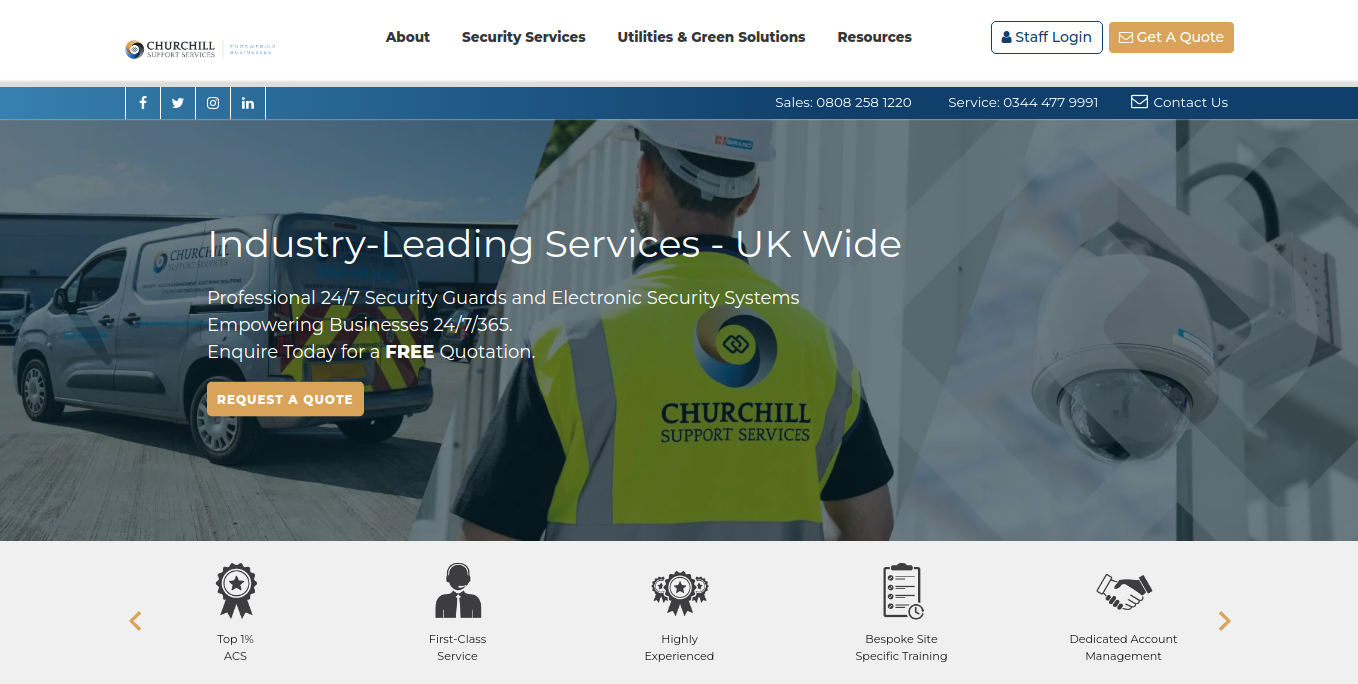
The WordPress Online Store For Security Service Provider in the UK involved the design and development of a custom WordPress website for a UK-based security service provider. The client specializes in providing top-tier security services, including alarm systems, CCTV surveillance, access control systems, and 24/7 monitoring for both residential and commercial properties. Their primary goal was to create an online presence that not only showcases their expertise but also generates leads by encouraging potential customers to inquire about security solutions tailored to their needs.

We were tasked with developing a modern, professional website that aligns with the company’s reputation for reliability and trust. The design was created from the client’s PSD template, ensuring the final product accurately reflects their brand identity. Additionally, we integrated Google Analytics for performance tracking, allowing the client to monitor user engagement and optimize marketing efforts.

Key Features and Functionality:

  1. Custom WordPress Theme Development:
    • PSD to WordPress Conversion: The website was built from the client’s PSD design template, which meant the layout, color scheme, typography, and overall look of the website closely mirrored the client’s vision. Using HTML, CSS, JavaScript, and PHP, the static PSD files were turned into a dynamic, fully functional WordPress website.
    • Responsive Design: The theme was designed to be fully responsive, ensuring that it provides a seamless browsing experience on devices of all sizes, from desktops to smartphones. Given the growing trend of mobile internet usage, it was crucial that the site was mobile-friendly, allowing users to easily access information about security services on any device.
    • User-Friendly Interface: The design focused on simplicity and ease of navigation. Visitors can quickly find the information they need, whether it’s details about the services, contact information, or emergency response protocols, ensuring a smooth user journey across the website.
  2. Security Service Listings and Information:
    • Service Pages: Dedicated pages were created for each type of security service offered, including intruder alarms, CCTV surveillance systems, fire alarms, and 24/7 monitoring services. Each service page highlights key features, benefits, and details about how the security solutions can be tailored to meet the unique needs of residential or commercial clients.
    • Case Studies and Testimonials: To build trust and showcase their successful track record, we included a case study section where the client could display real-world examples of their work. Additionally, client testimonials were incorporated throughout the site to provide social proof and reinforce the credibility of their services.
  3. Lead Generation and Call to Action (CTA):
    • Contact Forms: The website includes multiple contact forms for potential customers to inquire about services, request quotes, or schedule consultations. These forms are designed to be simple and easy to complete, ensuring a smooth process for users to get in touch with the client.
    • Request a Quote / Consultation CTA: A call-to-action (CTA) inviting users to request a personalized quote or consultation is prominently displayed throughout the website. By placing these CTAs on service pages and in the header, we ensure that users are consistently encouraged to reach out for more information.
    • Live Chat Integration: For an immediate response to inquiries, we integrated a live chat feature, allowing users to ask questions in real-time and engage with the support team directly from the website.
  4. SEO and Content Optimization:
    • On-Page SEO: The website was optimized for search engines to improve its visibility on Google and other search engines. This included optimizing meta tags, headings, URLs, and image alt text to ensure they are aligned with the target keywords for the security industry.
    • Targeted Keywords: We conducted thorough keyword research to identify the best search terms for the security services offered by the client. Pages were then optimized to rank for these keywords, increasing organic traffic and improving the website’s chances of being found by people searching for security services in the UK.
  5. Integration with Google Analytics:
    • Website Performance Monitoring: We integrated Google Analytics to track key website metrics such as user visits, bounce rates, and time on site. This integration provides valuable insights into how visitors interact with the website and what areas are performing well or need improvement.
    • User Insights: By configuring Google Analytics goals and events, we helped the client track form submissions, clicks on CTAs, and other important conversions. This data allows the client to assess the effectiveness of their lead-generation strategies and make data-driven decisions to improve website performance.
    • Traffic Source Tracking: Google Analytics helps the client understand where their website traffic is coming from (e.g., organic search, paid ads, social media, referrals), allowing them to allocate marketing resources more effectively.
  6. Security and Performance Enhancements:
    • SSL Encryption: Given that the client is a security service provider, the website was equipped with an SSL certificate, ensuring that all communications between the website and its users are encrypted and secure.
    • Site Speed Optimization: Performance optimization was a key focus. We ensured that the website loaded quickly by implementing caching, minifying JavaScript and CSS, and optimizing images for faster load times. A fast website enhances user experience and also contributes to SEO rankings.
    • Security Features: To safeguard the website against potential threats, we installed security plugins to provide firewall protection, spam prevention, and login security, ensuring that the website is protected from cyberattacks or unauthorized access.

Technologies Used:

  • WordPress: The platform used to develop the website and manage content.
  • HTML, CSS, JavaScript: Front-end technologies used to create the custom theme, ensuring a responsive and interactive design.
  • PHP: For back-end development and integration with WordPress.
  • Google Analytics: Integrated for tracking website performance, user behavior, and gathering insights.
  • SEO Tools: Implemented for on-page SEO optimization to improve search engine visibility.
  • SSL: For secure communication and trust-building with visitors.
  • Security Plugins: To protect the website from potential security threats.

Key Benefits of the Project:

  • Custom-Designed User Experience: The custom theme ensures that the website is aligned with the client’s brand identity, while offering an intuitive, user-friendly experience for site visitors.
  • Data-Driven Insights: Integration with Google Analytics gives the client the ability to monitor user behavior, identify trends, and make data-driven improvements to the website.
  • Mobile Optimization: The responsive design ensures that the website is fully functional and accessible on mobile devices, improving accessibility for a broader audience.
  • Enhanced Security: With SSL encryption and security plugins, the website offers a secure and safe browsing experience for users, which is critical for a security service provider.
  • Future Scalability: The website is built on WordPress, allowing the client to easily scale and add new features, services, or content as the business grows.
Screenshots
2025-11-05T05:32:49+00:00Categories: Ecommerce Application|Tags: , , , |

Website for the broadband service provider in the UK

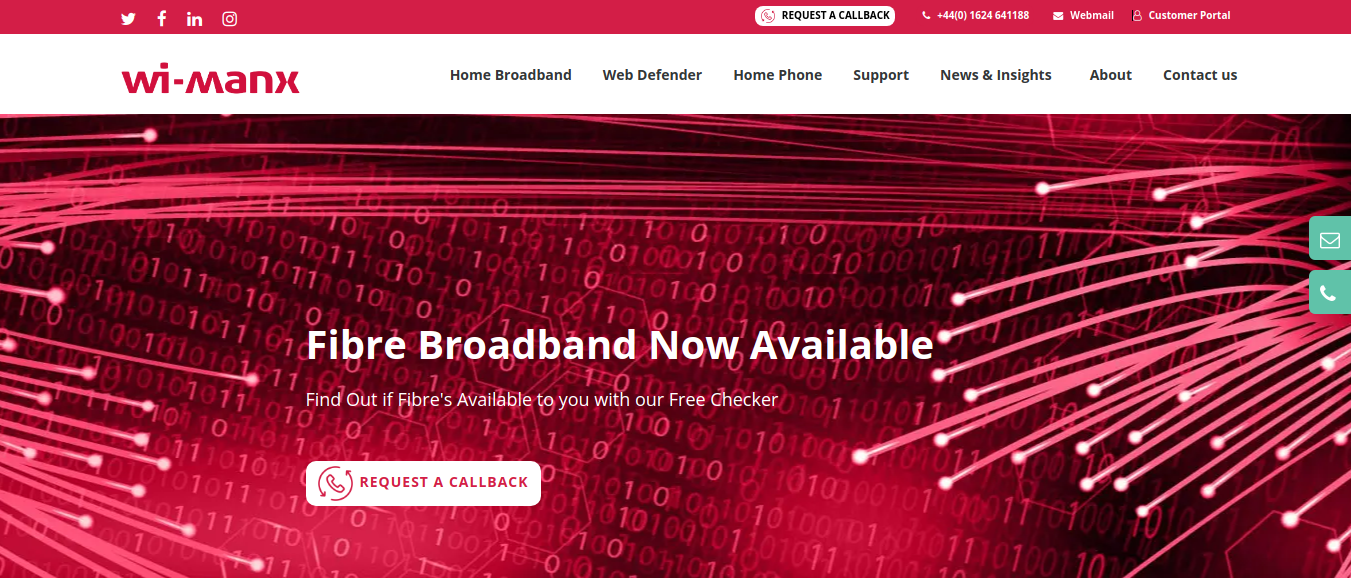
Designed and developed the custom theme for the client as per their PSD Template for the WordPress website. Provided with the ability to search for broadband fiber availability in the customer’s area and configured the website in Google Analytics to track website performance and collect user insights. Used HTML, CSS, JavaScript and PHP for the development.

Screenshots

WordPress Online Store For Hosting Service

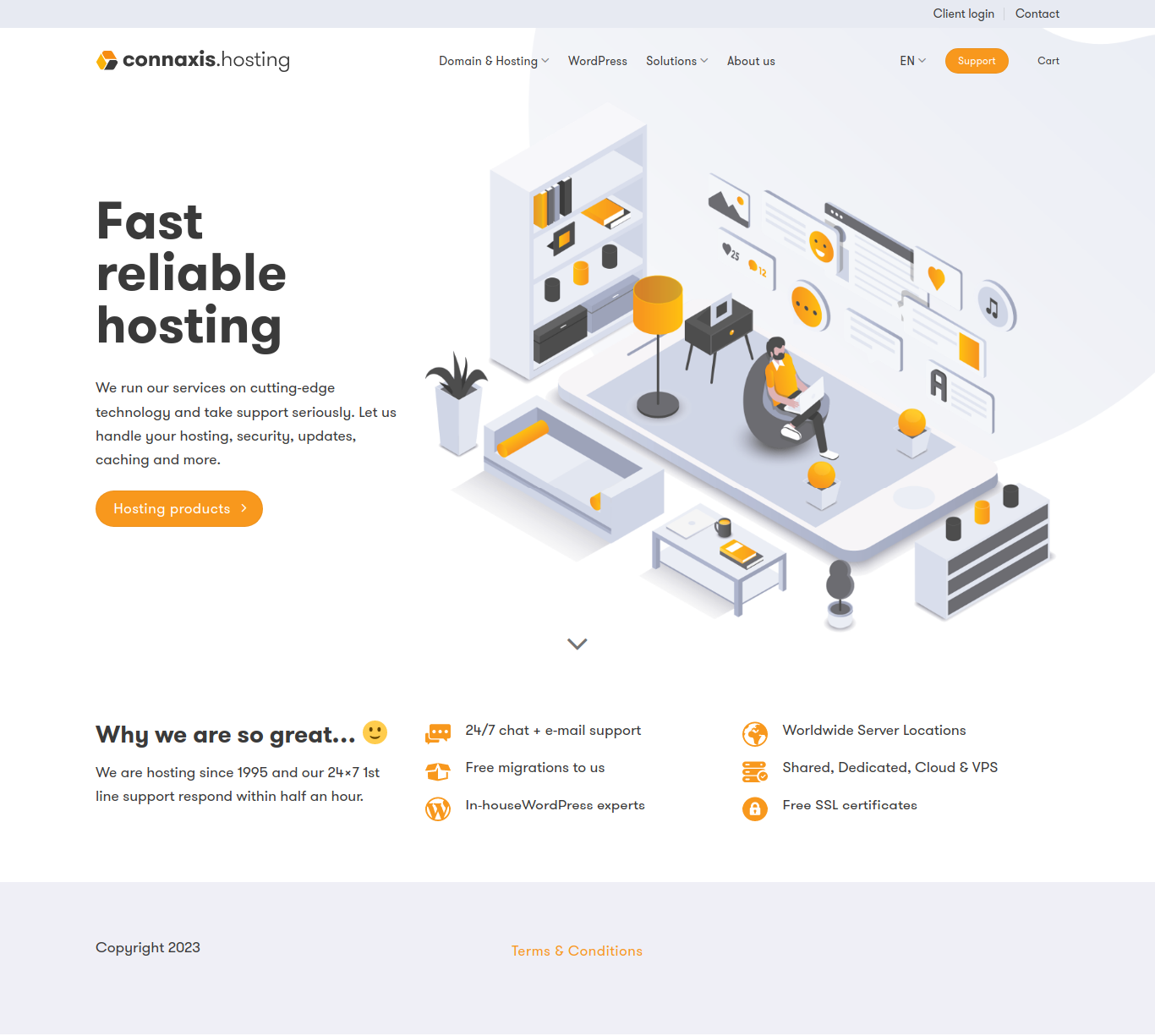
The WordPress Online Store For Hosting Service involved the design and development of a WordPress-based website for a hosting service provider. The website aims to offer clients an intuitive platform to browse and order various hosting services, such as shared hosting, VPS hosting, dedicated servers, and domain registration. The primary goal was to create a user-friendly website that not only showcases the hosting services but also provides an easy and seamless process for customers to place orders and get started with their hosting needs.

As part of the project, we designed the website to be responsive and fully optimized for search engines, ensuring that the client could attract a wide audience and convert visitors into paying customers. We also integrated tools for easy order management, payment processing, and customer support, providing a complete solution for both the business and its clients.

Key Features and Functionality:

  1. Customer Support Integration:
    • Support Tickets: The website includes a support ticket system that allows customers to submit tickets for technical assistance or other inquiries. This ensures that users can get help when needed and receive timely responses from the support team.
    • Live Chat Integration: For immediate assistance, a live chat feature was integrated, enabling customers to get answers in real time. This is especially valuable for troubleshooting or answering questions about services before making a purchase.
  2. SEO Optimization and Content Strategy:
    • On-Page SEO: The website was optimized for search engines to ensure higher visibility on platforms like Google. We focused on optimizing meta titles, descriptions, URL structure, and alt text for images to ensure the website is properly indexed.
    • Keyword Optimization: We conducted thorough research to identify high-traffic keywords related to hosting services and incorporated them into the website’s content, ensuring the client can attract potential customers searching for hosting solutions.
    • Blog Integration: We added a blog section to the website where the client can publish articles on topics such as hosting tips, server maintenance, and web development best practices. This not only adds value for visitors but also helps improve SEO rankings.
  3. Security Features:
    • SSL Certificate: To ensure secure transactions and build trust with visitors, the website is equipped with an SSL certificate. This encrypts all data between the user’s browser and the server, making transactions safe and boosting the website’s credibility.
    • Firewall Protection: To protect the website from malicious attacks and unauthorized access, we implemented firewall protection and other security measures to ensure the website and customer data remain secure.
  4. Performance Optimization:
    • Website Speed: We focused on optimizing the website’s performance by minimizing the use of large files, enabling browser caching, and using content delivery networks (CDNs) to improve load times. Fast-loading websites improve user experience and contribute to better SEO rankings.
    • Mobile Optimization: Given the high usage of mobile devices for browsing, we ensured that the website is fully optimized for mobile users. The mobile version is just as functional as the desktop version, ensuring customers can browse and order hosting services on any device.

Technologies Used:

  • WordPress: Used as the platform to create the website, with a custom theme built specifically for the client’s branding and functionality needs.
  • HTML, CSS, JavaScript: These front-end technologies were used to build the website’s structure, design, and interactivity.
  • PHP: For back-end development, including server-side functionality, and integrations with the hosting service.
  • Payment Gateway Integration: Integrated secure payment gateways to handle financial transactions.
  • Google Analytics: To track user behavior, website performance, and monitor conversions.
  • SEO Tools: For on-page SEO optimization to ensure the website ranks well on search engines.
  • SSL Encryption: Ensures all user data and transactions are secure.
Screenshots

Custom Client Portal for a HongKong based client

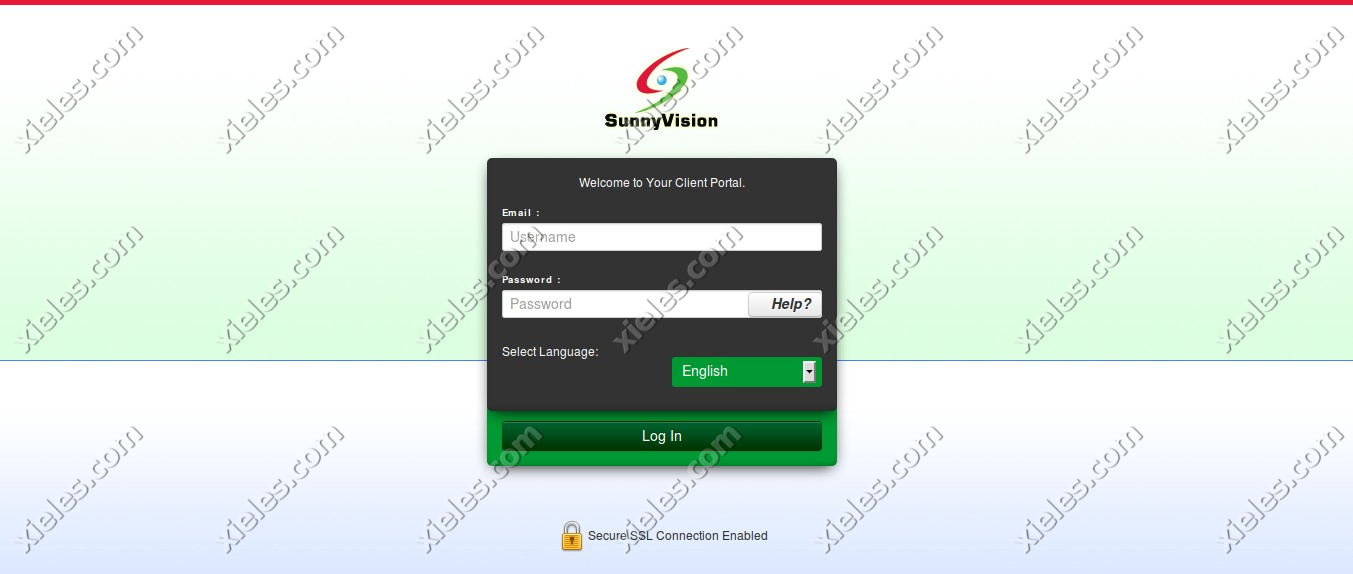
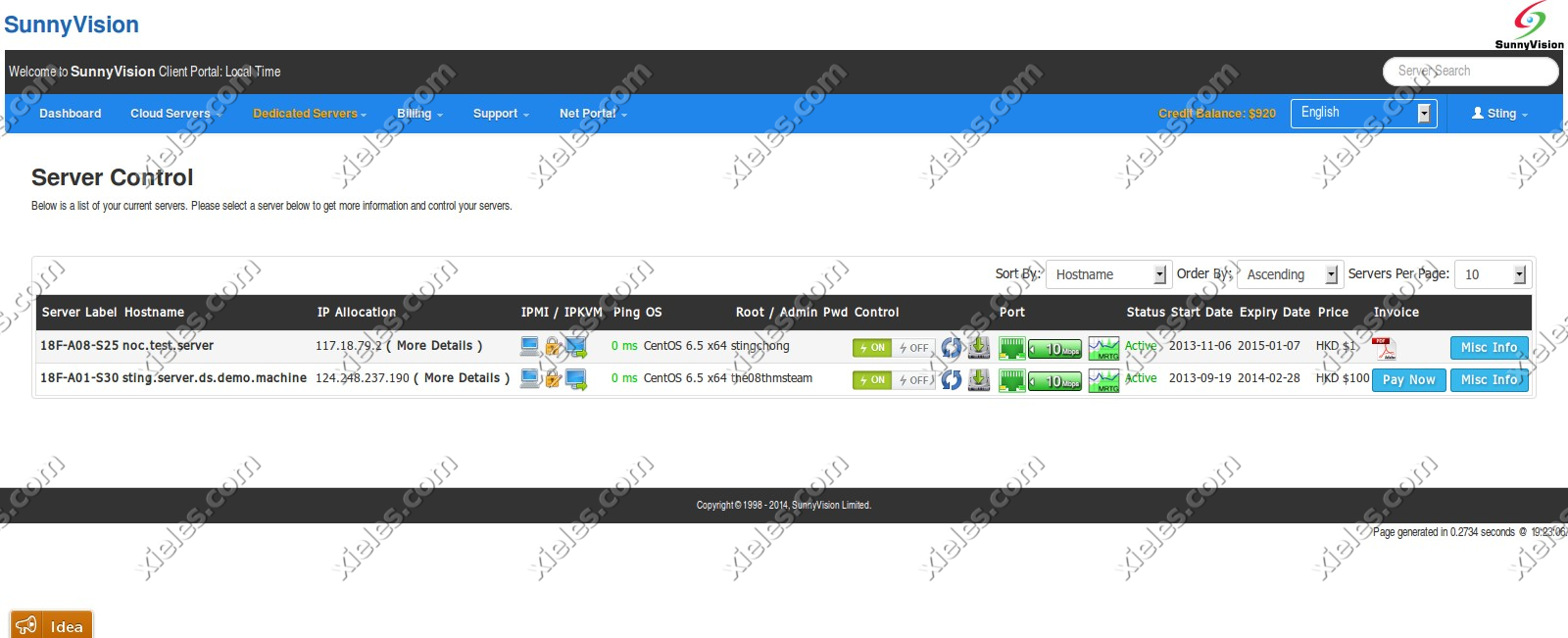
This project was developed for a cloud hosting provider, aiming to streamline the process of managing server instances and resources for customers. The cloud portal application serves as a comprehensive platform, enabling users to effortlessly manage their server instances, storage resources, and account settings, all within an intuitive web interface. Built with integration to the Apache CloudStack API, the application simplifies cloud management by providing seamless access to a range of features directly from the portal.

The cloud portal consists of three key modules: User Center, Management Center, and Admin Panel. Each module is designed to cater to the needs of different types of users—end customers and internal administrators—while leveraging the robust features offered by Apache CloudStack, a powerful cloud management platform.

Key Features and Modules:
1. User Center:

The User Center is designed for cloud hosting customers to easily manage their accounts, monitor server instances, and access essential features related to their cloud resources. This module allows users to have full control over their individual accounts and provides a user-friendly interface for managing cloud-related activities.

  • User Dashboard: The User Dashboard provides a quick overview of the user’s cloud environment, displaying relevant information such as server usage, active resources, and system alerts. Users can monitor server health, resource consumption, and quickly access settings for cloud resources like CPU, memory, and disk space.
  • User Info Page: The User Info page allows customers to view and update their account details, including personal information, contact details, and security settings. It also offers users the ability to manage their cloud subscription plans, update payment details, and track account activity.
  • Interaction with Apache CloudStack API: Through the User Center, the application interacts with the Apache CloudStack API to enable customers to manage and interact with their cloud resources, such as starting, stopping, or rebooting server instances and managing storage volumes.

2. Management Center:

The Management Center serves as the core of the application for managing cloud infrastructure, allowing users to perform more advanced cloud management tasks. It is designed to offer flexibility and control for users who require fine-tuned management of their resources.

  • Volumes Module: The Volumes module provides users with the ability to manage secondary storage volumes within their cloud environment. This includes creating, deleting, and attaching volumes to server instances. Users can monitor storage utilization, manage disk space, and perform other operations related to cloud storage volumes.
  • Support Module (Help Center): The Support Module functions as a built-in help center where users can open support tickets for technical issues or inquiries related to their cloud services. This module allows users to raise concerns, track ticket statuses, and interact with the support team directly through the portal. Integration with ticketing systems ensures that support is streamlined and customer queries are efficiently handled.
  • Interaction with Apache CloudStack API: The Management Center uses the Apache CloudStack API to facilitate the management of cloud resources such as virtual machines, storage volumes, and network configurations, allowing for seamless interactions with the cloud infrastructure.

3. Admin Panel:

The Admin Panel is the control center for cloud hosting administrators, providing full access to the platform’s backend. This module is designed to allow administrators to efficiently manage orders, billing, support tickets, and more.

  • Orders Module: The Orders Module allows administrators to manage customer orders related to cloud hosting services. This includes viewing and updating customer orders, processing new service requests, and overseeing service provisioning. Admins can easily track the status of all customer orders and ensure smooth service delivery.
  • Billing Module: The Billing Module provides cloud administrators with the tools to manage invoices, transactions, and payment histories. This module enables the generation of detailed invoices, management of payment statuses, and oversight of subscription plans. Administrators can also issue refunds, apply discounts, and manage pricing tiers for different cloud services.
  • Support Module: The Support Module in the Admin Panel is designed for managing incoming customer support tickets. Admins can view, prioritize, and resolve support tickets submitted by users through the Support Module in the Management Center. This centralizes ticket management, enabling administrators to handle customer queries efficiently, assign tickets to appropriate team members, and track resolution progress.
  • Integration with Apache CloudStack API: The Admin Panel also integrates with the Apache CloudStack API to manage cloud resources at an administrative level, including provisioning new servers, scaling cloud resources, and handling customer configurations.

Technical Stack:

  • Apache CloudStack API: This cloud management platform API is at the heart of the system, enabling the seamless communication between the cloud portal and the underlying infrastructure. It powers all cloud management actions such as provisioning virtual machines, managing storage volumes, and handling network configurations.
  • CakePHP Framework: The application was developed using the CakePHP framework, which is a robust and flexible PHP framework designed for building scalable and secure web applications. CakePHP’s MVC architecture helped structure the application efficiently and enabled rapid development while maintaining a high standard of code quality. Features like built-in security, session management, and database abstraction made it an ideal choice for this project.
  • User Authentication and Security: User authentication was implemented to ensure secure access to the portal, with different roles for customers and administrators. Role-based access control (RBAC) was used to ensure that only authorized users could access specific modules and perform critical operations.
  • Real-Time Updates: The platform is designed to deliver real-time updates to users, particularly for tasks such as server status monitoring, ticket management, and resource utilization. This ensures that users have up-to-date information about their cloud environments and support queries.

Outcome and Benefits:

  • User Empowerment: By creating a user-centric portal, customers have full control over their cloud resources, enabling them to manage and optimize their server instances and storage efficiently.
  • Improved Efficiency for Administrators: The Admin Panel gives cloud hosting providers a comprehensive dashboard to manage orders, billing, and support tickets, improving operational efficiency and reducing manual intervention.
  • Enhanced Customer Support: With a centralized support ticketing system, users can easily submit issues and track their resolution, ensuring timely responses and better customer satisfaction.
  • Scalability and Flexibility: The application provides cloud hosting providers with a flexible and scalable platform to manage thousands of users and cloud instances, all powered by the Apache CloudStack API.
  • Reduced Overhead: By automating resource management, billing, and customer support functions, the platform reduces operational overhead for both customers and administrators, allowing for a more streamlined experience.
Screenshots

2025-11-04T07:26:29+00:00Categories: ERP Solution|Tags: , , , , , , |

Cloud Stack Client Portal for Hong Kong based company

The client portal is based on Apache Cloud Stack API. It consists of a User center, Management center, and Admin panel. In the User center, developed a user dashboard page and user info page from which users can view and manage their account details. Developed the volumes and support module of the Management center. In volumes, the user can manage secondary storage. The support module is the help center in which users can open tickets. In the Admin panel, developed orders module for managing orders, a billings module for managing invoices and transactions and a support module for managing tickets. It is created using the CakePHP Framework.

Screenshots

2024-04-24T11:22:59+00:00Categories: ERP Solution|Tags: , , , , , |

Patient Satisfaction Survey for Al- Zahra, Dubai

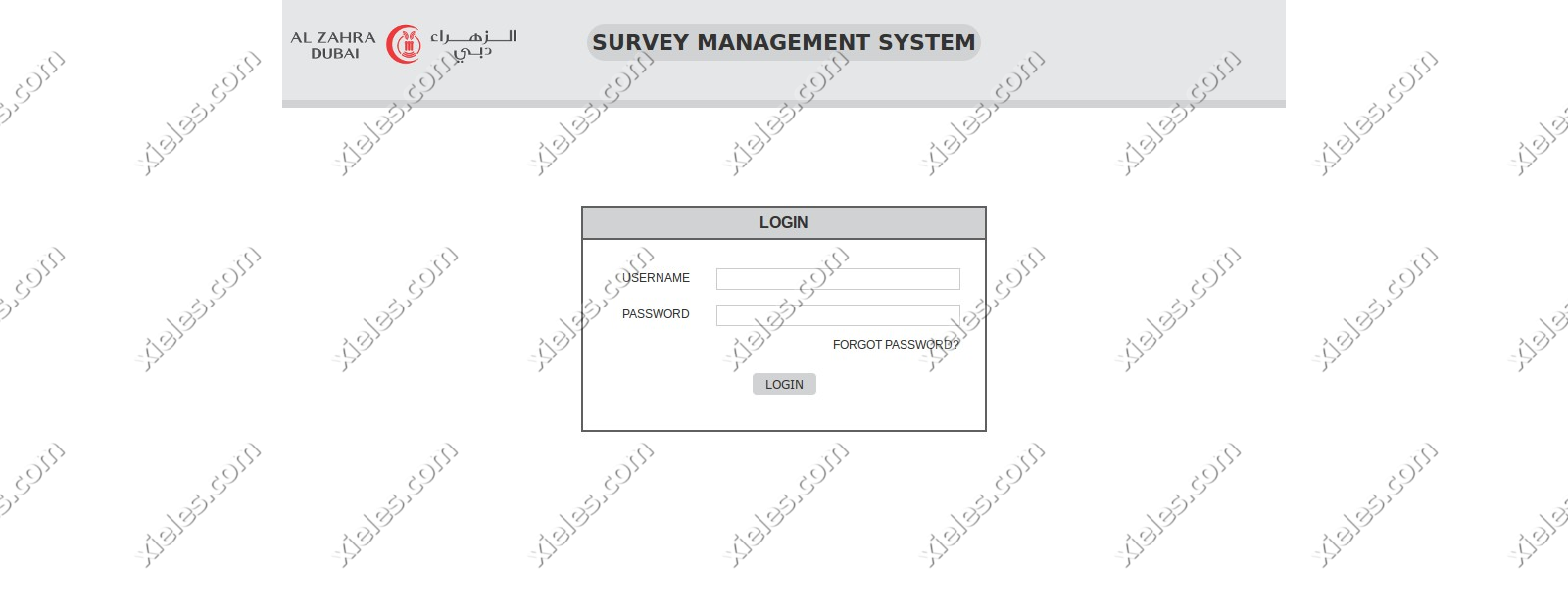
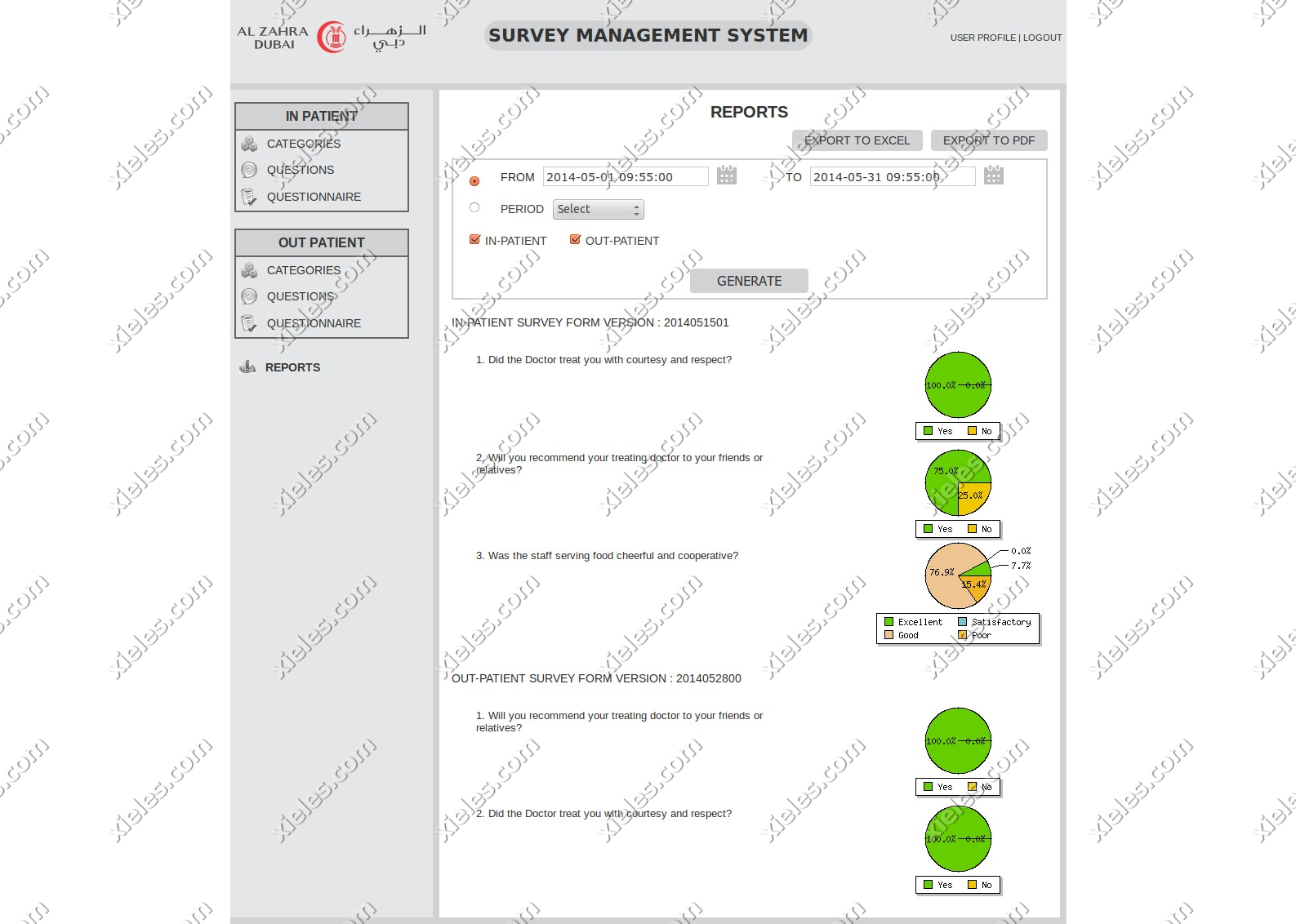
This application is used to take surveys from patients for a set of predefined questions. The survey application works in both in-patient and out-patient questionnaire modes. The questions and answers of the survey will be synchronized with an online web server automatically using a service that runs in a particular time interval or can be done manually from the application.

Screenshots

2024-04-24T11:14:00+00:00Categories: ERP Solution, Mobile Application|Tags: , , , , , |

Billing System Panel for Netherlands based client

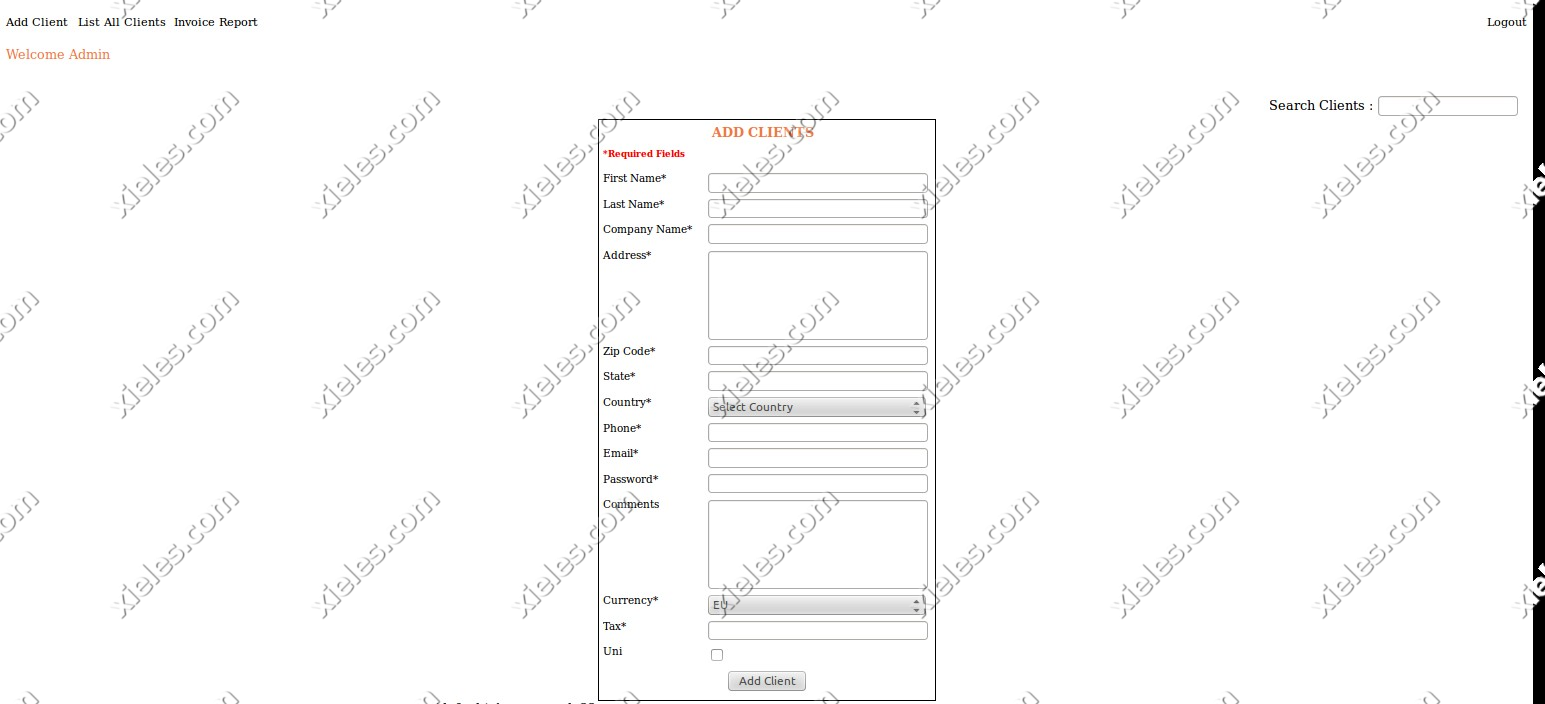
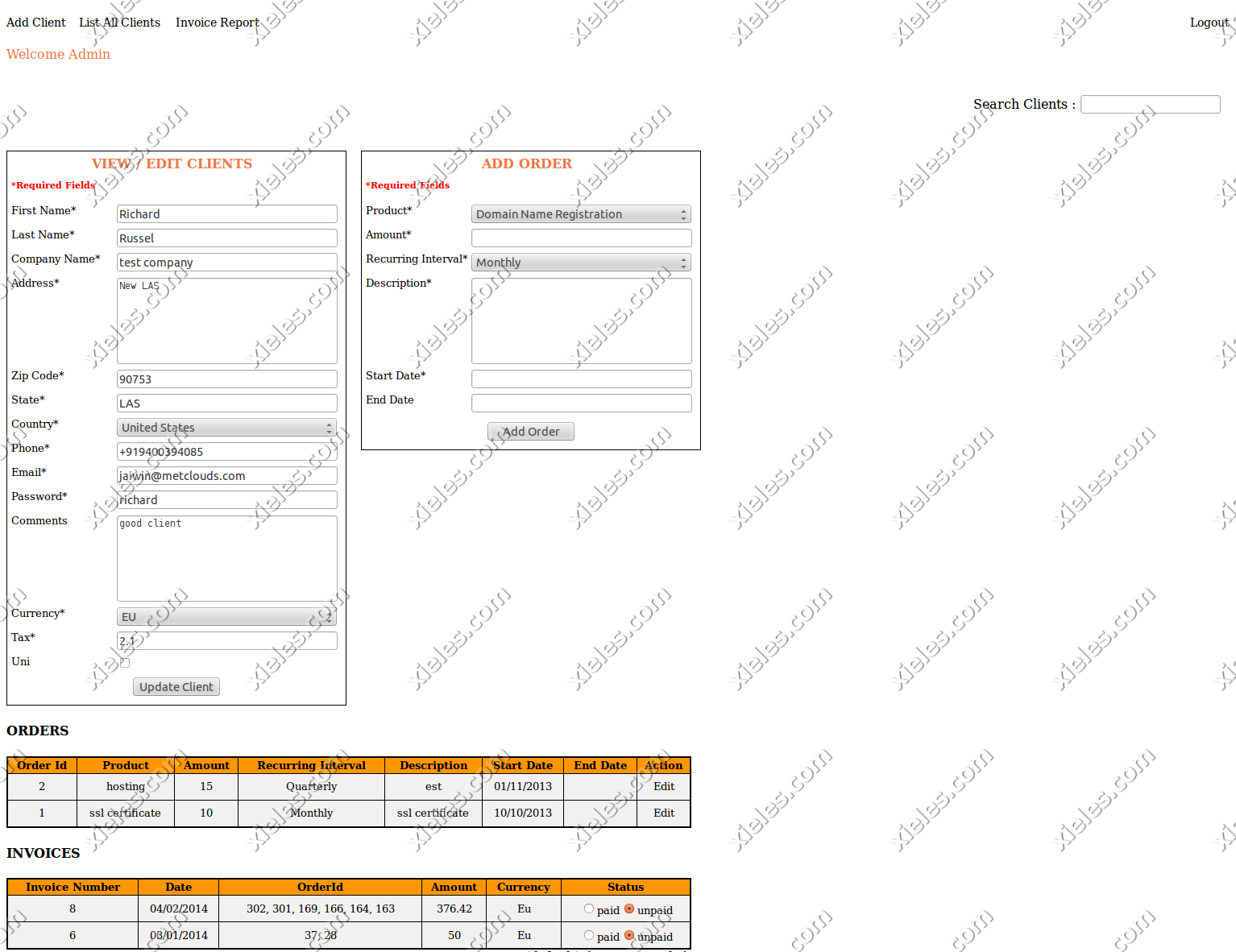
The objective of this project was to develop an automated online billing system. The billing system includes client area and admin area. The admin can add and manage clients and orders. The PHP shell scripts generate the invoices and mail them to the clients each month. The clients can login in their client area and can review their invoices. Clients can also pay their bills via client area through Paypal. It is created using the CakePHP Framework.

Screenshots

2024-04-24T11:14:39+00:00Categories: ERP Solution|Tags: , , , , |

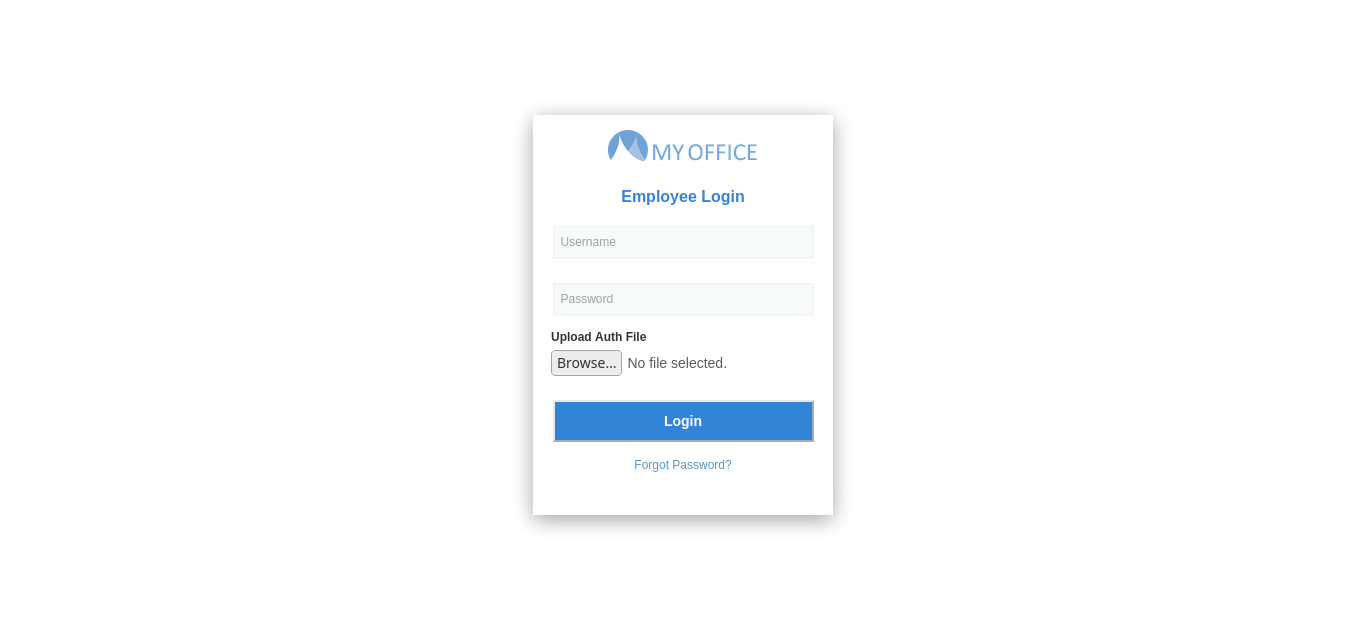
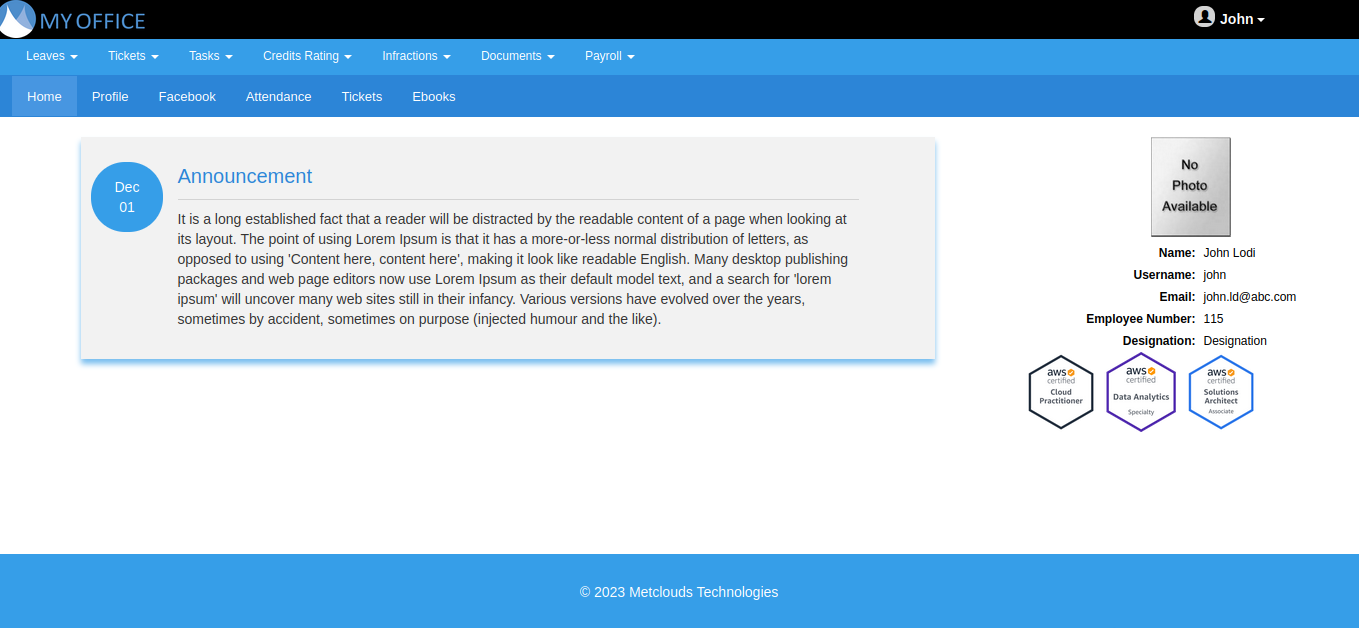
Myoffice – Human Resource and Office Management Solution

This solution is for organization to manage their human resource and office operations. It has modules for employee management, attendance management, leave management, payroll management, employee grievance management, digital library and news & announcements.

Technologies Used:

  • CakePHP/PHP
  • HTML/CSS/JS
  • GitLab CI/CD
Screenshots

2024-04-24T11:06:32+00:00Categories: ERP Solution|Tags: , , , , , |
Go to Top