
Web Application

Inferchat – AI ChatBot

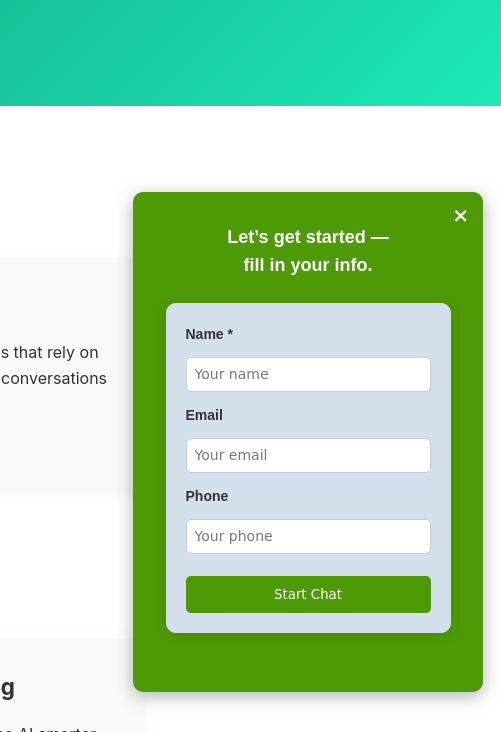
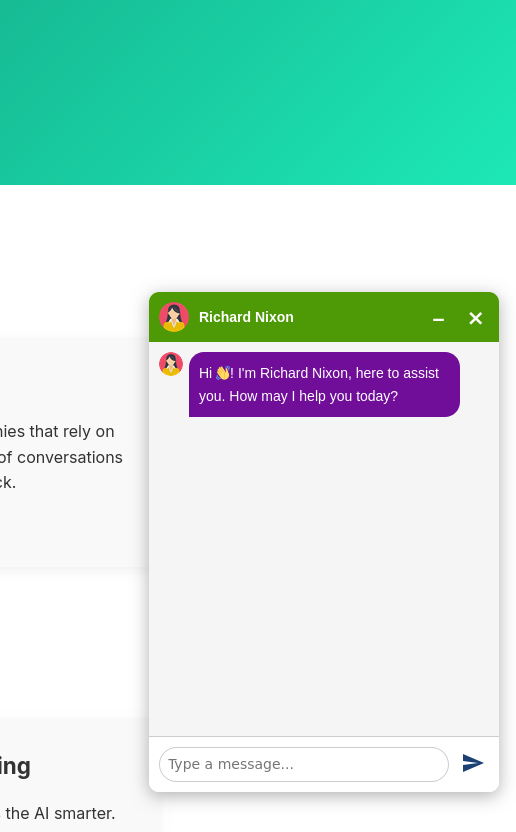
Inferchat is a powerful, all-in-one platform that enables businesses to effortlessly build and deploy intelligent chatbots. Designed to streamline customer engagement, it offers a centralized solution for automating support, managing workflows, and scaling interactions with ease.


Key Features:

  • Instant Deployment
    Create your intelligent chatbots in minutes, powered by seamless AWS and Azure integrations. No complex setups—just quick launches to get you up and running fast.
  • AI-Powered Interactions
    Automate customer support with advanced machine learning and natural language processing (NLP). Handle queries with precision and context-aware responses.
  • Custom Workflows
    Tailor the bot’s behavior to match your unique business needs and customer journey. Design branching logic, integrations, and personalized paths effortlessly.
  • Scalable Infrastructure
    From small teams to large enterprises, Inferchat scales effortlessly as your business grows. Handle increasing traffic without performance dips.
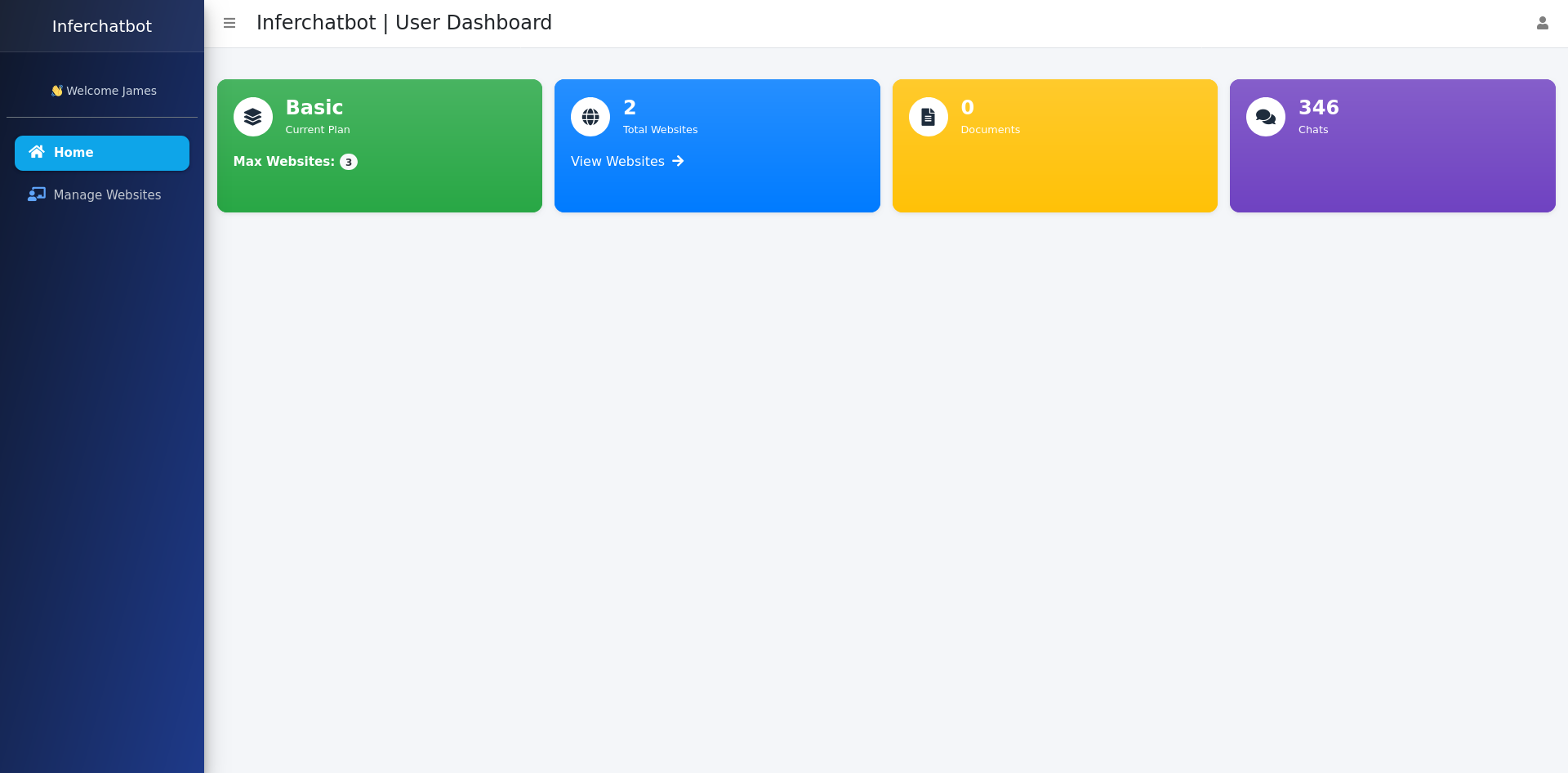
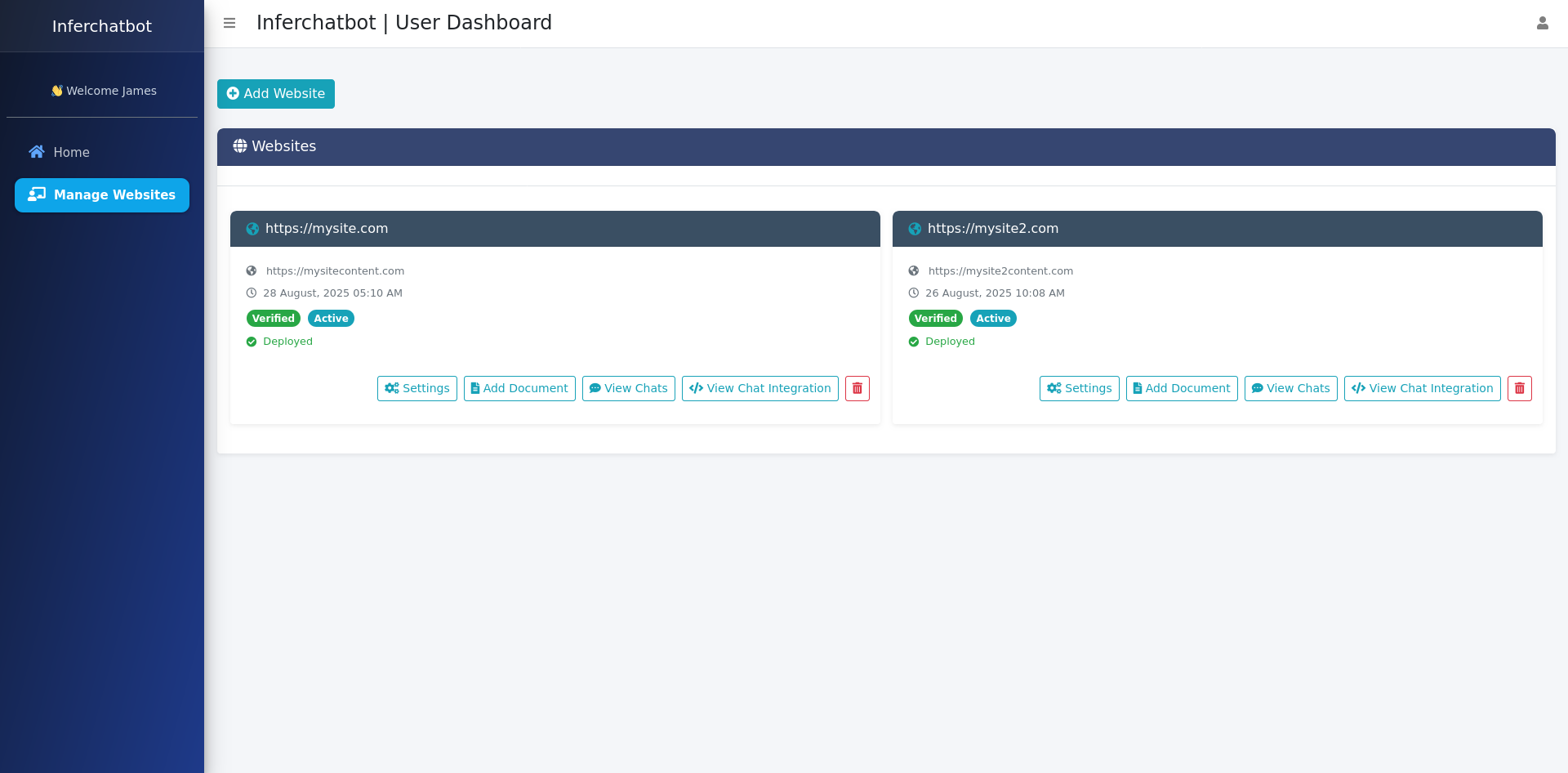
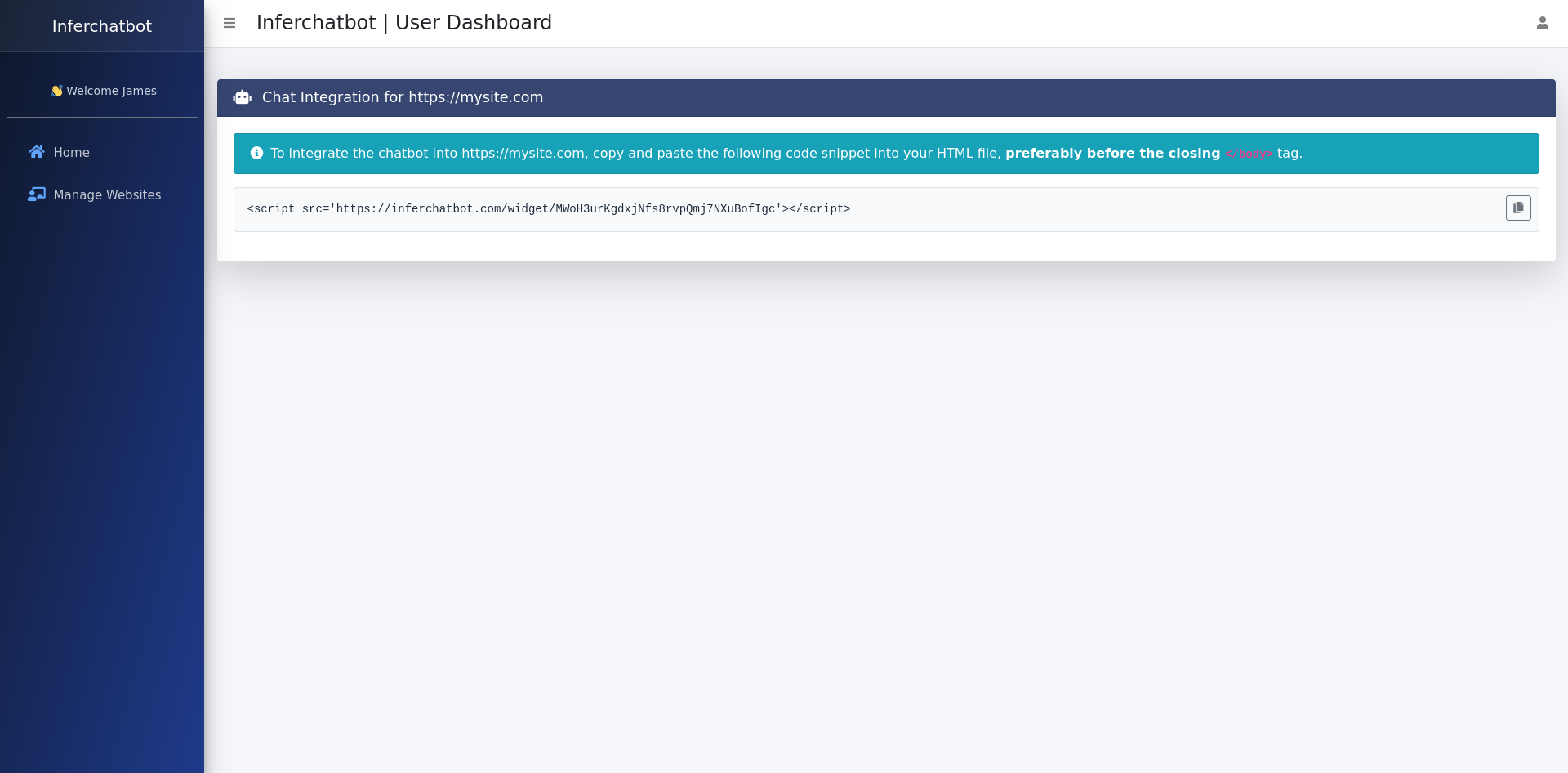
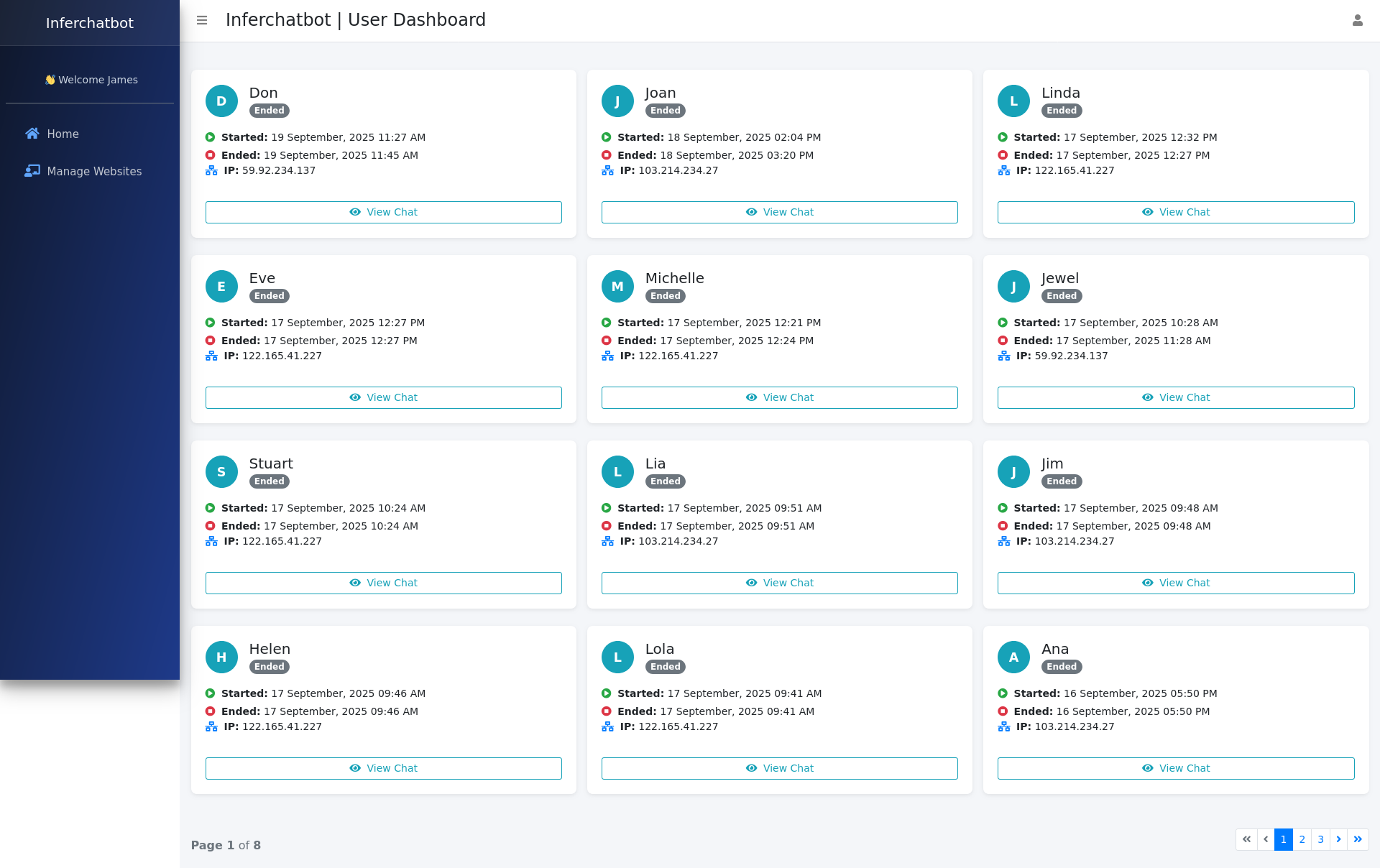
  • Client Panel
    With Inferchat’s dedicated Client Panel, you gain full access to key features, such as:
  • Web Integration Code – Easily integrate your chatbot into your website with just a few lines of code.
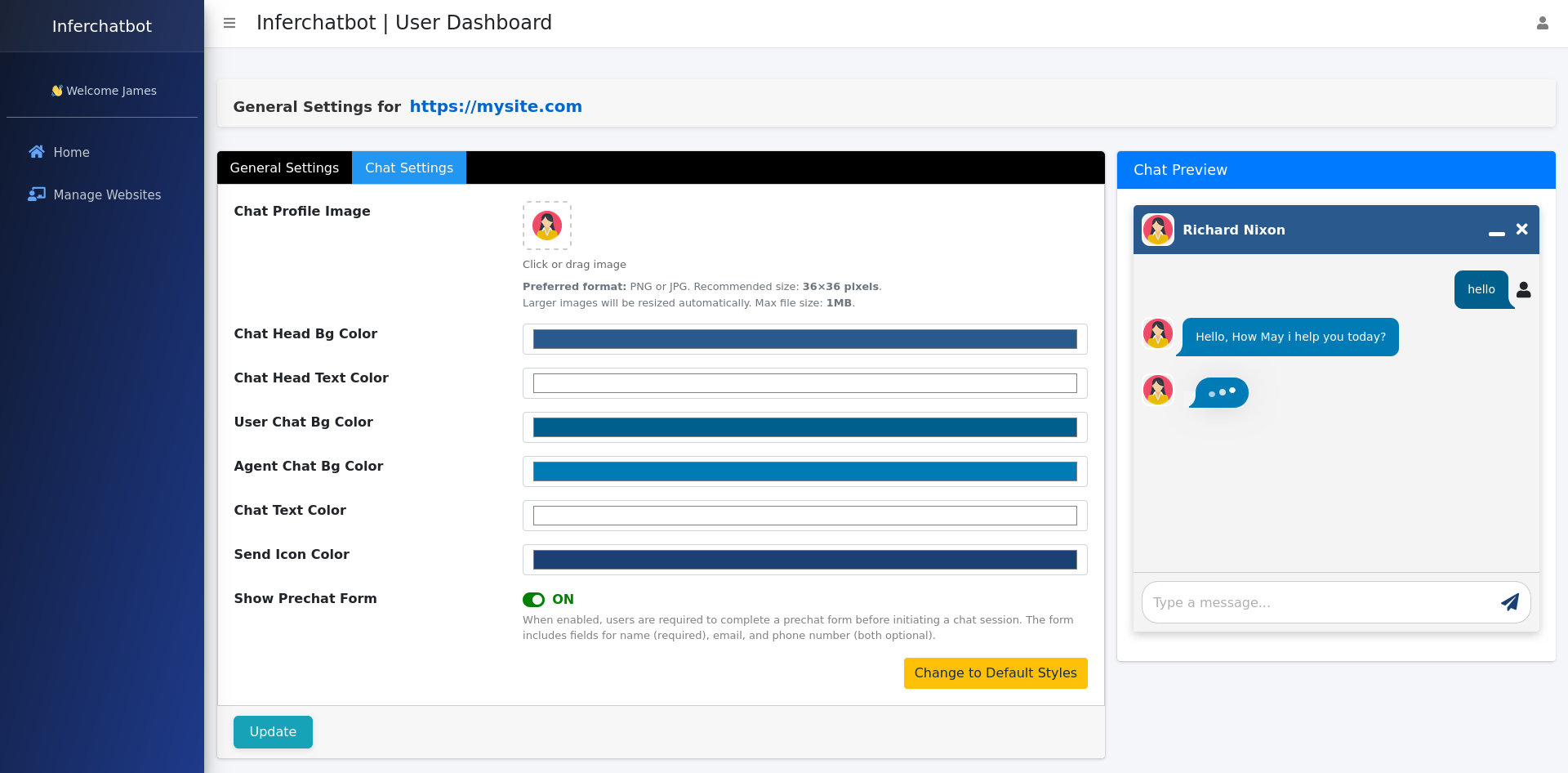
  • Customization – Manage and adjust bot behavior to ensure it fits your brand and business model.
  • Chat List – Monitor real-time conversations, track performance, and review analytics.
  • Usage Metrics – View detailed insights on chatbot performance and customer engagement.

Benefits

Unlock the advantages that set Inferchat apart from traditional chatbot solutions:

  1. Fast and Efficient
    Automate your support process and engage customers instantly without the long setup time. Reduce response times from hours to seconds.
  2. Intelligent Conversations
    Deliver smooth, human-like interactions with AI-powered bots that learn and adapt over time. Boost satisfaction with contextual, evolving dialogues.
  3. Flexible Pricing Plans
    Inferchat offers scalable subscription plans that grow with your business. Choose a plan that fits your needs, with the flexibility to upgrade as your usage increases, ensuring no surprises as you expand.
  4. Secure and Reliable
    Built with enterprise-grade security and powered by AWS and Azure, ensuring your data stays safe and your service is always up. Compliance-ready for global standards.
Screenshots
Find My Keyword Ranking – The Keyword Rank Checker For SEO

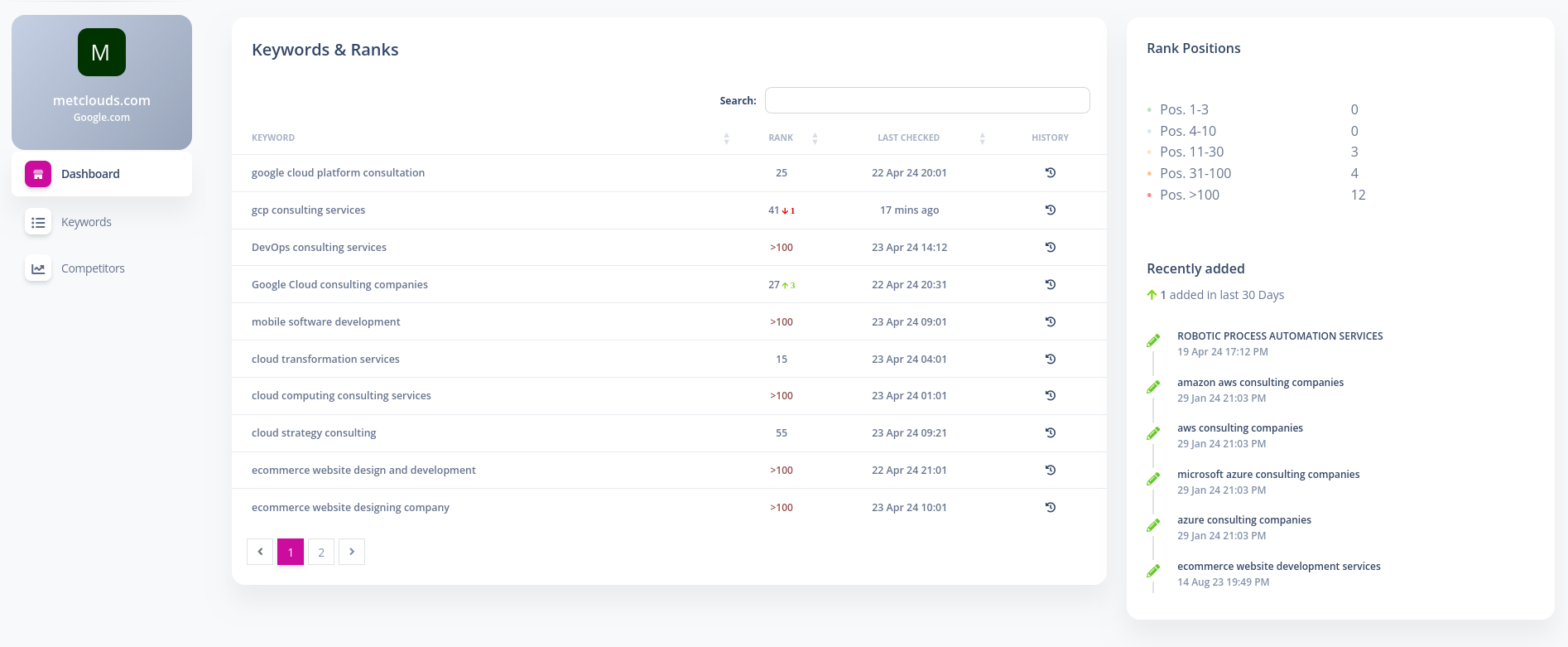
Search engines personalize search results based on frequently searched keywords, which can lead to rankings that aren’t objective or comparable across different websites. Findmykeywordranking addresses this issue by providing a tool that checks SEO rankings on major search engines like Google, Bing, and others. This eliminates the need to manually count the search results and offers a streamlined method for checking keyword rankings.

With Findmykeywordranking, users can input their websites and keywords to retrieve precise, real-time rankings for each keyword. The tool regularly monitors keyword rankings, ensuring the data is up-to-date.

Additionally, Findmykeywordranking allows users to input their competitors’ domains to compare their keyword rankings against those of competitors. This competitive comparison provides valuable insights that can help improve your own SEO rankings.

Key Features:

  • Track Keyword Rankings: Check SEO rankings for your keywords on major search engines like Google and Bing.
  • Competitor Comparison: Add competitor domains to compare keyword rankings and assess your performance relative to theirs.
  • Rank History: View the history of keyword rankings, including current and previous positions.
  • Real-Time Rank Updates: Rankings are regularly updated, ensuring accurate, up-to-date data.
  • Comprehensive Dashboard: View essential ranking details such as the current rank position, previous position, last checked time, and rank history.
  • Keyword Management: Easily manage and track multiple keywords for your website’s SEO performance.

Steps to Fetch Your Keyword Rankings:

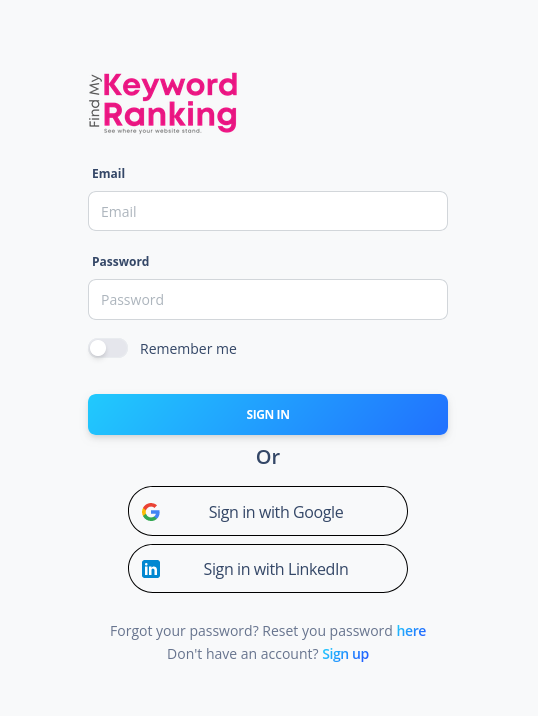
  1. Register and Log In: Sign up and log in to Findmykeywordranking.com using the provided invitation URL.
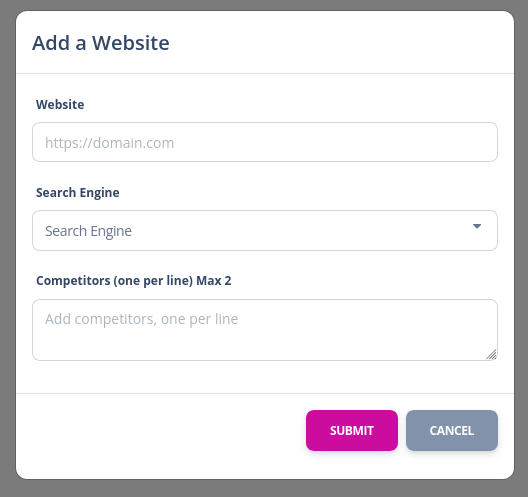
  2. Add a New Website: From the top menu, add a new website by providing its name, the search engine to be used, and any competitors’ domains if relevant.
  3. Add Keywords: Select the website you created and add your keywords from the keywords menu (one keyword per line).
  4. Wait for Results: After adding keywords and websites, wait for a moment as the ranks update for each keyword.
  5. View Results: On the website’s dashboard page, view the current rank, previous rank, last checked time, and rank history.

This tool helps businesses and SEO professionals effectively track and analyze keyword rankings, enabling them to make informed decisions to enhance their SEO strategies.

Screenshots

2024-11-29T06:34:54+00:00Categories: Web Application|Tags: , , , , , |
Go to Top