WordPress Online Store for Technology and Communication provider

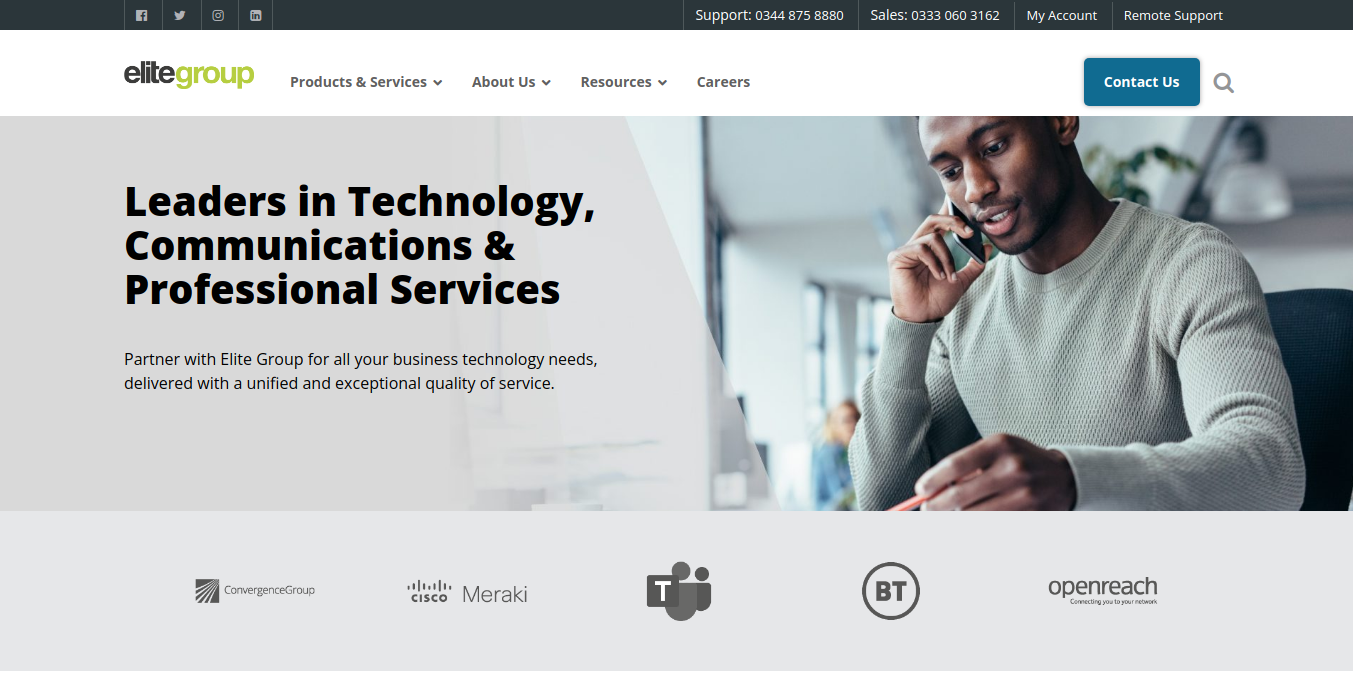
The WordPress Online Store for Technology and Communication Provider involved the design and development of a WordPress website for a technology and communication provider, offering solutions to businesses and individuals in need of high-quality communication tools, IT services, and digital transformation consulting. The client specializes in providing cutting-edge technology, from network infrastructure to cloud-based communication systems, with a focus on reliability, security, and innovation.

The website was built with the goal of reflecting the company’s technological expertise, while delivering a sleek, user-friendly experience for both prospective customers and partners. The design was based on the client’s PSD templates, and the website was created to be fully responsive and easy to navigate across all devices.

In addition to the design and development, we integrated Google Analytics to help the client monitor site performance, gather data on user behavior, and make data-driven decisions for improving the user experience and their marketing strategy.

Key Features and Functionality:

  1. Custom WordPress Theme Development:
    • PSD to WordPress Conversion: The website was developed from the client’s PSD design template, ensuring that the final product maintained the exact look and feel that the client envisioned. Using HTML, CSS, JavaScript, and PHP, the static designs were turned into a dynamic, fully functional WordPress site.
    • Responsive Design: The website was developed with a mobile-first approach, ensuring that it is fully responsive and provides an optimal viewing experience across desktops, tablets, and smartphones. This was particularly important for the client’s target audience, which consists of tech-savvy professionals who often access websites on a variety of devices.
    • User-Centric Design: The theme was designed to be intuitive, with easy-to-navigate sections that allow users to quickly find the information they need about the company’s services, solutions, and products. We focused on clear typography, well-structured layouts, and interactive elements to keep users engaged.
  2. Service Pages for Technology Solutions:
    • Comprehensive Service Listings: The website features dedicated pages for each service the company provides, such as cloud services, IT infrastructure, network management, data security, and business communication solutions. These pages were designed to clearly explain each service’s benefits, features, and solutions, aimed at addressing the specific needs of the company’s target market.
    • Case Studies & Success Stories: To showcase the company’s expertise, we integrated a case study section where the client could highlight successful implementations of their technology solutions for businesses. This section builds credibility and demonstrates the real-world impact of their services.
    • Product Information and Specs: For technology products, we developed individual product pages detailing key specifications, features, and benefits. Each product page was crafted to be informative, with clear calls-to-action (CTAs) that encourage users to inquire or purchase.
  3. Lead Generation and Contact Forms:
    • Contact Form Integration: We integrated a custom contact form to make it easy for potential clients to get in touch with the company for inquiries, quotes, or support. The form is integrated with the company’s CRM to help streamline communication and lead management.
  4. SEO and Content Strategy:
    • On-Page SEO Optimization: We applied best practices for SEO during the website development to ensure the website ranks well on search engines. This included optimizing page titles, descriptions, image alt text, header tags, and URL structure. The content was crafted to be both user-friendly and search-engine-friendly.
    • Keyword Research and Optimization: We carried out extensive keyword research to understand the search terms relevant to the client’s industry. Using this data, we optimized service pages, blog posts, and case studies for high-value search terms, helping improve the site’s visibility and organic search traffic.
  5. Integration with Google Analytics:
    • Website Performance Tracking: We integrated Google Analytics into the website to help the client track and analyze website traffic and user behavior. With this setup, the client can access data on site visitors, page views, bounce rates, traffic sources, and much more.
    • User Insights: Google Analytics enables the client to gain valuable insights into how users interact with the site, which services are most popular, and where users are dropping off. This data can help the client refine their content and marketing strategies over time.
    • Goal Conversion Tracking: Goals were set up in Google Analytics to track important user actions on the site, such as form submissions, downloads, and button clicks. This allows the client to measure the effectiveness of CTAs and optimize conversion rates.
  6. Blog and Content Marketing:
    • Blog Section: A blog was integrated into the website to allow the client to share industry insights, technology trends, company updates, and helpful content related to the tech and communication industries. This content strategy helps to position the client as a thought leader in their field.
    • SEO-Friendly Articles: Blog posts were designed to be SEO-optimized, incorporating targeted keywords while providing valuable information to users. The blog also includes a commenting system to encourage interaction and engagement from users.
  7. Security and Performance Enhancements:
    • SSL Certification: The website is SSL-secured to ensure safe and encrypted data transmission between the website and users. This builds trust with visitors, especially for a technology provider who handles sensitive business data.
    • Site Speed Optimization: To ensure a smooth user experience, the website was optimized for fast loading speeds. We implemented caching, minified scripts, and compressed images to reduce load times and improve performance, which is especially important for maintaining high user engagement.
    • Backup and Security Plugins: The website includes automated backups and security monitoring to protect the site from potential threats and ensure that data is regularly backed up.

Technologies Used:

  • WordPress: The CMS platform used for managing and updating content.
  • HTML, CSS, JavaScript: Technologies used for developing the front-end and ensuring a responsive design.
  • PHP: For custom back-end development and WordPress theme customization.
  • Google Analytics: For website performance tracking and user insights.
  • SEO Tools: For on-page and off-page SEO optimization to improve visibility.
  • SSL: To secure the site and ensure safe data transfer.

Key Benefits of the Project:

  1. Custom Tailored Design: The custom theme ensures that the website fully aligns with the company’s brand identity and communicates its technological expertise.
  2. Enhanced User Engagement: With intuitive navigation, service-focused pages, and interactive features, the website delivers an engaging experience to visitors, encouraging them to explore and contact the client.
  3. Improved Marketing Insights: By integrating Google Analytics, the client is equipped with valuable data on user behavior, allowing them to make informed decisions and adjust their marketing strategies.
  4. SEO-Optimized Website: The site is optimized to rank well for relevant search terms, helping the client attract organic traffic and leads from search engines.
  5. Mobile Optimization: The responsive design ensures that the website is accessible and functional across all devices, expanding the client’s reach to a broader audience.
  6. Security and Performance: Fast loading times, strong security measures, and backup protocols provide a seamless and safe experience for users.
Screenshots

2025-11-05T05:35:14+00:00Categories: Business Website, ERP Solution|Tags: , , , |

Custom Client Portal for a HongKong based client

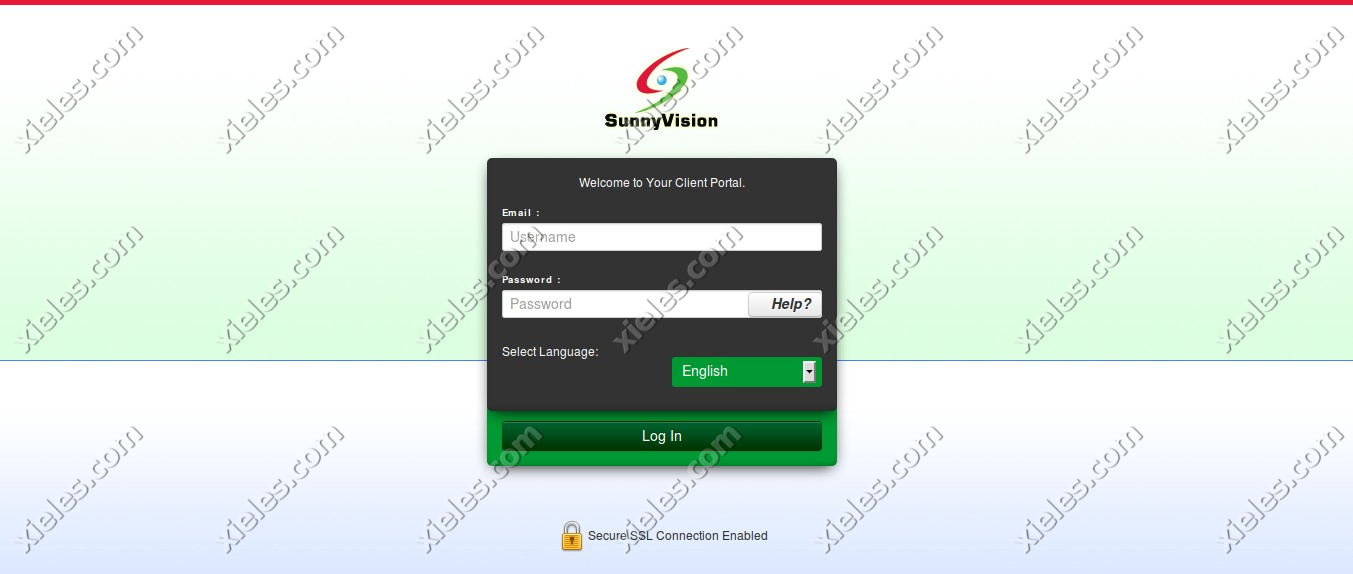
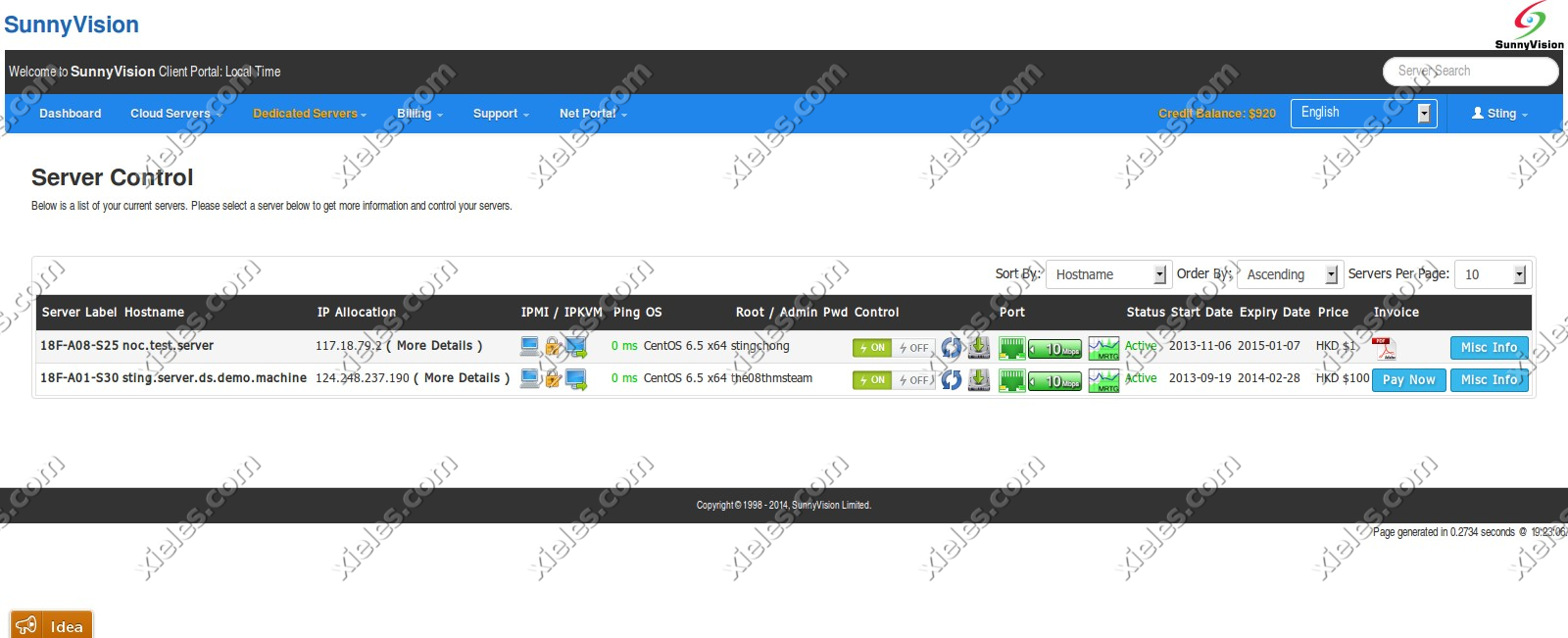
This project was developed for a cloud hosting provider, aiming to streamline the process of managing server instances and resources for customers. The cloud portal application serves as a comprehensive platform, enabling users to effortlessly manage their server instances, storage resources, and account settings, all within an intuitive web interface. Built with integration to the Apache CloudStack API, the application simplifies cloud management by providing seamless access to a range of features directly from the portal.

The cloud portal consists of three key modules: User Center, Management Center, and Admin Panel. Each module is designed to cater to the needs of different types of users—end customers and internal administrators—while leveraging the robust features offered by Apache CloudStack, a powerful cloud management platform.

Key Features and Modules:
1. User Center:

The User Center is designed for cloud hosting customers to easily manage their accounts, monitor server instances, and access essential features related to their cloud resources. This module allows users to have full control over their individual accounts and provides a user-friendly interface for managing cloud-related activities.

  • User Dashboard: The User Dashboard provides a quick overview of the user’s cloud environment, displaying relevant information such as server usage, active resources, and system alerts. Users can monitor server health, resource consumption, and quickly access settings for cloud resources like CPU, memory, and disk space.
  • User Info Page: The User Info page allows customers to view and update their account details, including personal information, contact details, and security settings. It also offers users the ability to manage their cloud subscription plans, update payment details, and track account activity.
  • Interaction with Apache CloudStack API: Through the User Center, the application interacts with the Apache CloudStack API to enable customers to manage and interact with their cloud resources, such as starting, stopping, or rebooting server instances and managing storage volumes.

2. Management Center:

The Management Center serves as the core of the application for managing cloud infrastructure, allowing users to perform more advanced cloud management tasks. It is designed to offer flexibility and control for users who require fine-tuned management of their resources.

  • Volumes Module: The Volumes module provides users with the ability to manage secondary storage volumes within their cloud environment. This includes creating, deleting, and attaching volumes to server instances. Users can monitor storage utilization, manage disk space, and perform other operations related to cloud storage volumes.
  • Support Module (Help Center): The Support Module functions as a built-in help center where users can open support tickets for technical issues or inquiries related to their cloud services. This module allows users to raise concerns, track ticket statuses, and interact with the support team directly through the portal. Integration with ticketing systems ensures that support is streamlined and customer queries are efficiently handled.
  • Interaction with Apache CloudStack API: The Management Center uses the Apache CloudStack API to facilitate the management of cloud resources such as virtual machines, storage volumes, and network configurations, allowing for seamless interactions with the cloud infrastructure.

3. Admin Panel:

The Admin Panel is the control center for cloud hosting administrators, providing full access to the platform’s backend. This module is designed to allow administrators to efficiently manage orders, billing, support tickets, and more.

  • Orders Module: The Orders Module allows administrators to manage customer orders related to cloud hosting services. This includes viewing and updating customer orders, processing new service requests, and overseeing service provisioning. Admins can easily track the status of all customer orders and ensure smooth service delivery.
  • Billing Module: The Billing Module provides cloud administrators with the tools to manage invoices, transactions, and payment histories. This module enables the generation of detailed invoices, management of payment statuses, and oversight of subscription plans. Administrators can also issue refunds, apply discounts, and manage pricing tiers for different cloud services.
  • Support Module: The Support Module in the Admin Panel is designed for managing incoming customer support tickets. Admins can view, prioritize, and resolve support tickets submitted by users through the Support Module in the Management Center. This centralizes ticket management, enabling administrators to handle customer queries efficiently, assign tickets to appropriate team members, and track resolution progress.
  • Integration with Apache CloudStack API: The Admin Panel also integrates with the Apache CloudStack API to manage cloud resources at an administrative level, including provisioning new servers, scaling cloud resources, and handling customer configurations.

Technical Stack:

  • Apache CloudStack API: This cloud management platform API is at the heart of the system, enabling the seamless communication between the cloud portal and the underlying infrastructure. It powers all cloud management actions such as provisioning virtual machines, managing storage volumes, and handling network configurations.
  • CakePHP Framework: The application was developed using the CakePHP framework, which is a robust and flexible PHP framework designed for building scalable and secure web applications. CakePHP’s MVC architecture helped structure the application efficiently and enabled rapid development while maintaining a high standard of code quality. Features like built-in security, session management, and database abstraction made it an ideal choice for this project.
  • User Authentication and Security: User authentication was implemented to ensure secure access to the portal, with different roles for customers and administrators. Role-based access control (RBAC) was used to ensure that only authorized users could access specific modules and perform critical operations.
  • Real-Time Updates: The platform is designed to deliver real-time updates to users, particularly for tasks such as server status monitoring, ticket management, and resource utilization. This ensures that users have up-to-date information about their cloud environments and support queries.

Outcome and Benefits:

  • User Empowerment: By creating a user-centric portal, customers have full control over their cloud resources, enabling them to manage and optimize their server instances and storage efficiently.
  • Improved Efficiency for Administrators: The Admin Panel gives cloud hosting providers a comprehensive dashboard to manage orders, billing, and support tickets, improving operational efficiency and reducing manual intervention.
  • Enhanced Customer Support: With a centralized support ticketing system, users can easily submit issues and track their resolution, ensuring timely responses and better customer satisfaction.
  • Scalability and Flexibility: The application provides cloud hosting providers with a flexible and scalable platform to manage thousands of users and cloud instances, all powered by the Apache CloudStack API.
  • Reduced Overhead: By automating resource management, billing, and customer support functions, the platform reduces operational overhead for both customers and administrators, allowing for a more streamlined experience.
Screenshots

2025-11-04T07:26:29+00:00Categories: ERP Solution|Tags: , , , , , , |

Portugal Homes : Real Estate Management Portal

The Portugal Homes Panel is a powerful, custom-built management portal designed to streamline the operations for a real estate business in Portugal. Built using the Laravel Framework, this panel provides real estate agents and property managers with an intuitive and efficient system for managing client properties.

The core functionality of the panel revolves around allowing clients to log into the portal, create, update, and manage their properties, and seamlessly push these updates to the front-end website where potential buyers can view and purchase them. This integration ensures that the properties are consistently updated across all platforms in real-time.

By providing a user-friendly dashboard, the panel enables real estate professionals to manage listings efficiently, track property details, and provide accurate, up-to-date information to potential buyers.

Key Features and Functionality:

  1. User Authentication and Access Control:
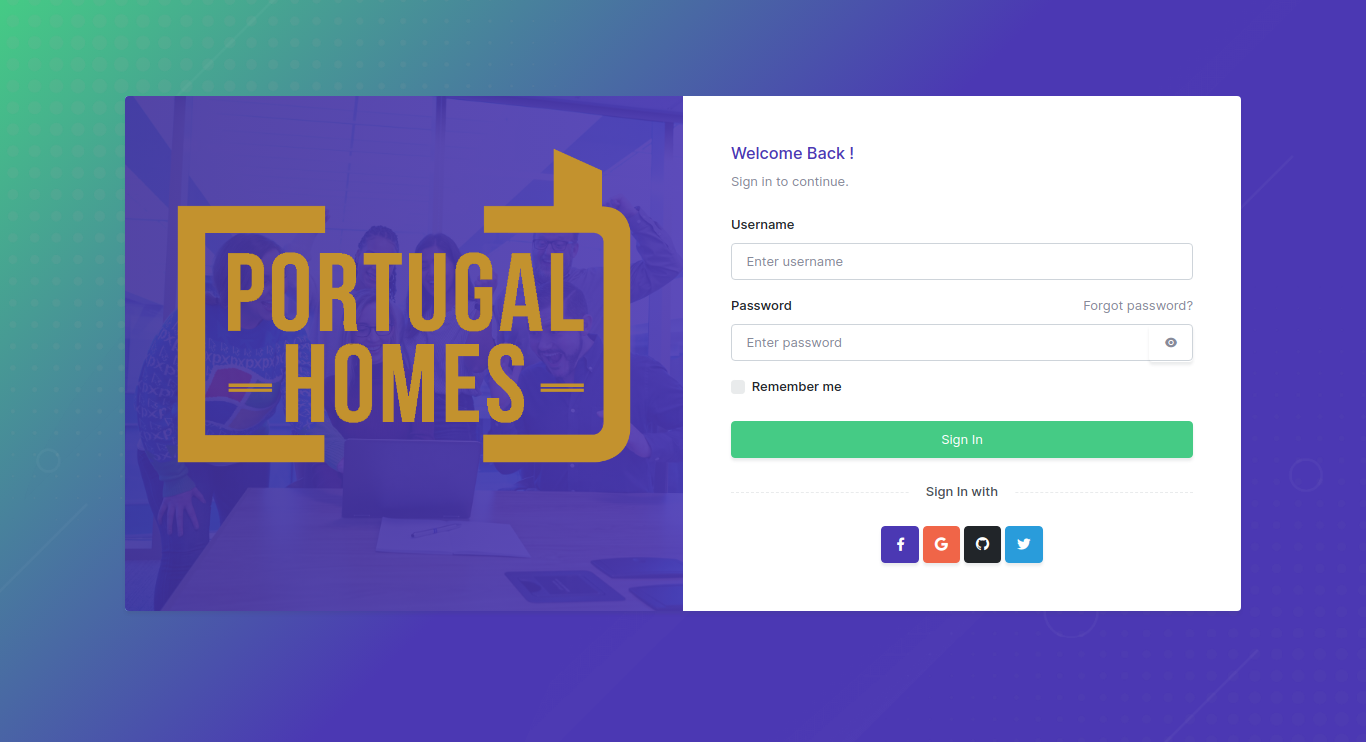
    • Client Login: Clients can securely log into the portal with username/password authentication, ensuring that only authorized users can access their property management dashboard.
  2. Property Management:
    • Add/Update Properties: Clients can easily add new properties or update the details of existing listings through a user-friendly form. Each property can have detailed information such as:
    • Property type (e.g., apartment, villa, office space)
    • Price
    • Location (including maps and proximity details)
    • Photos (upload images and video links)
    • Description (features, size, amenities, etc.)
    • Availability (available for purchase, rent, or sold status)
    • Property Categories: The panel allows clients to categorize properties based on types such as residential, commercial, luxury, etc., helping to organize and filter listings.
    • Custom Attributes: Properties can be tagged with custom attributes like view, floor number, furnishing status, or special offers, which are then displayed on the front-end to help potential buyers make informed decisions.
  3. Property Synchronization with Front-End Website:
    • Real-Time Data Push: Once a property is added or updated in the panel, the details are automatically pushed to the front-end website. This ensures that potential buyers see the most up-to-date property information without any delays.
    • Integration with Front-End: The integration is built so that any updates made on the back-end panel (e.g., changes in property status, price updates, etc.) are instantly reflected on the public-facing website, providing consistency across all platforms.
  4. Property Search and Filter:
    • Advanced Search Filters: Potential buyers can search for properties based on criteria such as price range, location, property type, size, and other features. This feature is designed to allow easy access to a broad range of listings with customized filtering options.
    • Property Sorting: Users can sort listings by parameters like price, newest listings, or most popular, enhancing their browsing experience.
  5. Client and Property Dashboard:
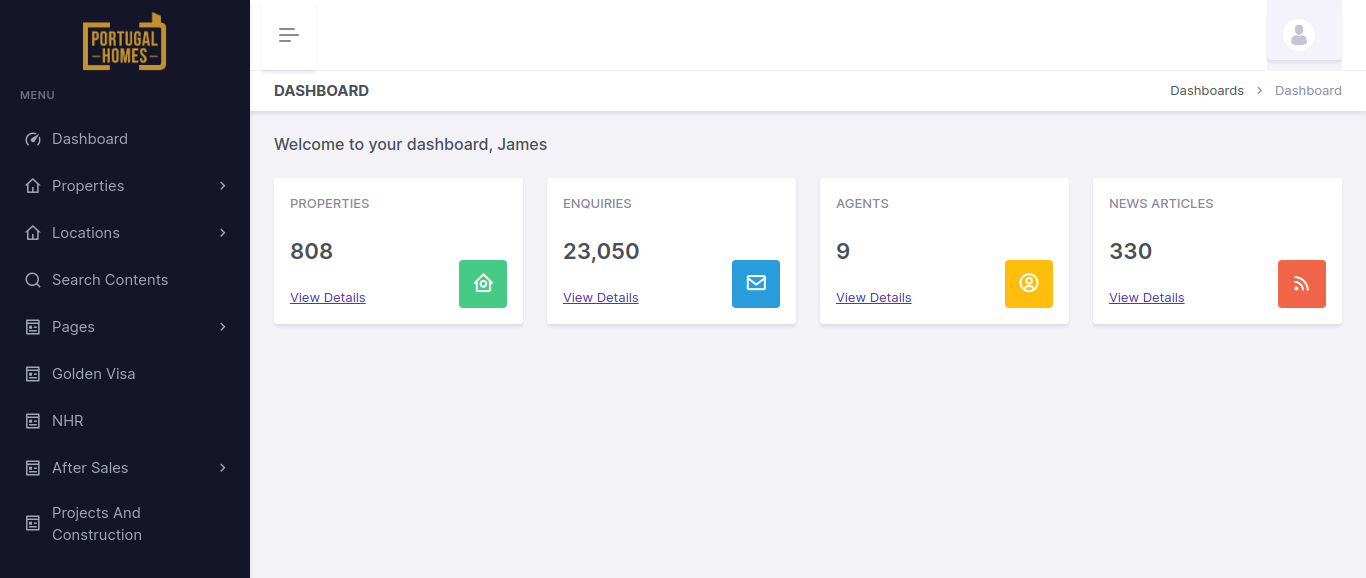
    • Client Dashboard: Upon logging into the portal, clients are greeted with a comprehensive dashboard that gives them an overview of their listings. They can quickly see:
    • The number of active properties they have
    • New property submissions
    • Properties that need updating
    • Sales or rental status
    • Property Statistics: Each property has a detailed view showing views, inquiries, and actions taken by potential buyers, offering insights into how well the property is performing on the front-end.
    • Actions and Notifications: Clients receive real-time notifications for any important updates, such as inquiries about a property, changes in listing status, or requests for additional information.
  6. SEO and Marketing Tools:
    • SEO Optimization: Properties and listings are optimized for search engines to ensure they rank well on Google and other search engines. The system allows clients to manage meta tags, descriptions, and keywords for each property listing to improve visibility and attract more organic traffic.
    • Social Media Integration: Clients can share their property listings directly to social media platforms such as Facebook, Twitter, and Instagram, helping them reach a broader audience and generate more leads.

Technologies Used:

  • Laravel Framework: The core framework used to build the panel, ensuring high performance, scalability, and maintainability. Laravel provides a robust structure for database management, routing, and seamless integration with APIs.
  • MySQL Database: Used to store all property data, client information, and transaction records in an organized manner for easy access and management.
  • JavaScript & AJAX: Used for creating dynamic, interactive user interfaces, especially for real-time updates and filtering/sorting properties on the front-end without page reloads.
  • Blade Templating: Utilized for clean, efficient rendering of views in Laravel, allowing for easy integration with the back-end database and front-end elements.
  • Bootstrap: For responsive design, ensuring that the portal is mobile-friendly and accessible across all devices.
  • RESTful APIs: For seamless data transfer between the back-end portal and the front-end website, keeping property listings synchronized in real-time.
  • jQuery: Used for enhancing user experience with smooth interactions like form validation, real-time filtering, and dynamic updates.

Key Benefits of the Portugal Homes Panel:

  • Simplified Property Management: Clients can easily manage their property listings in one place, from adding new listings to editing details and updating availability status, all without needing technical expertise.
  • Real-Time Updates: Changes made in the back-end portal are instantly reflected on the front-end website, ensuring that buyers always see the most up-to-date information.
  • Seamless User Experience: The portal’s intuitive interface and powerful search features make it easy for clients to find and manage their properties, as well as communicate with potential buyers.
  • Enhanced Customer Engagement: With features like inquiries, offer management, and performance tracking, clients can actively engage with potential buyers, manage leads effectively, and monitor property success.
  • Global Reach: The multi-language and multi-currency support make the platform ideal for attracting international buyers, increasing the reach of the properties beyond Portugal’s local market.
Screenshots
2025-11-04T11:36:54+00:00Categories: Business Website, ERP Solution|Tags: , , , , |

Cloud Stack Client Portal for Hong Kong based company

The client portal is based on Apache Cloud Stack API. It consists of a User center, Management center, and Admin panel. In the User center, developed a user dashboard page and user info page from which users can view and manage their account details. Developed the volumes and support module of the Management center. In volumes, the user can manage secondary storage. The support module is the help center in which users can open tickets. In the Admin panel, developed orders module for managing orders, a billings module for managing invoices and transactions and a support module for managing tickets. It is created using the CakePHP Framework.

Screenshots

2024-04-24T11:22:59+00:00Categories: ERP Solution|Tags: , , , , , |

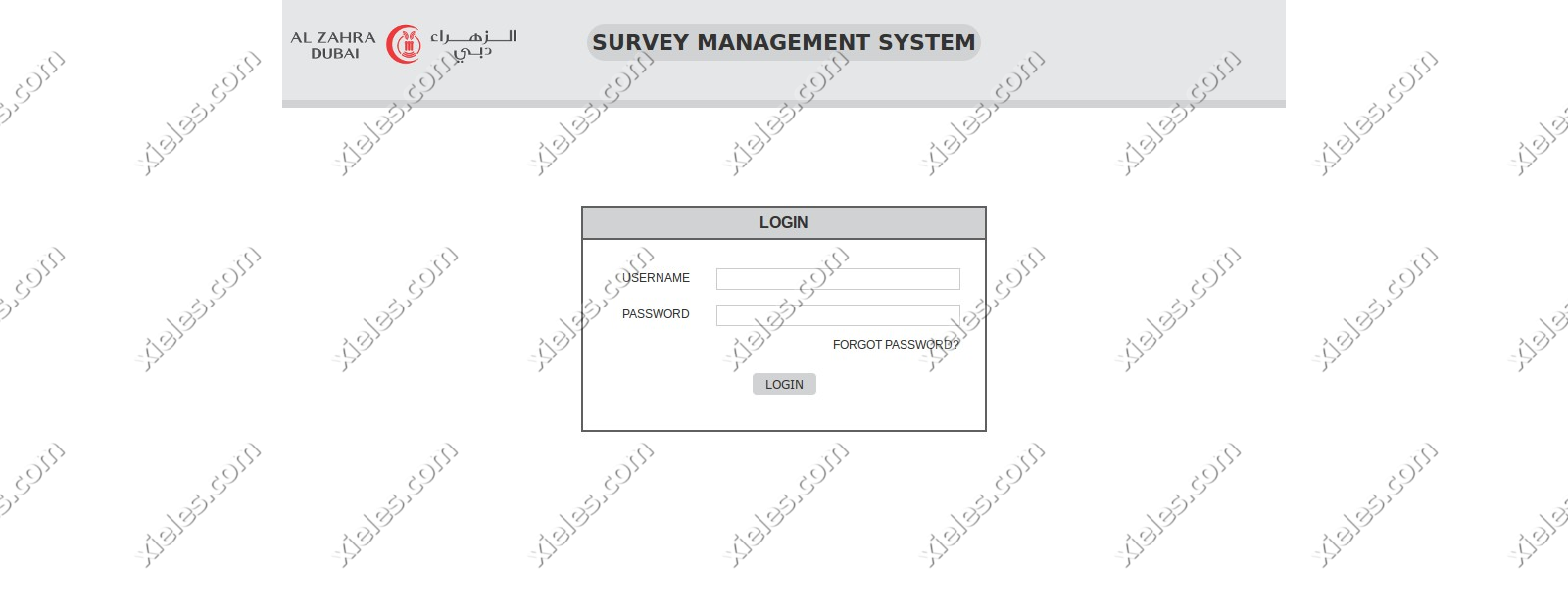
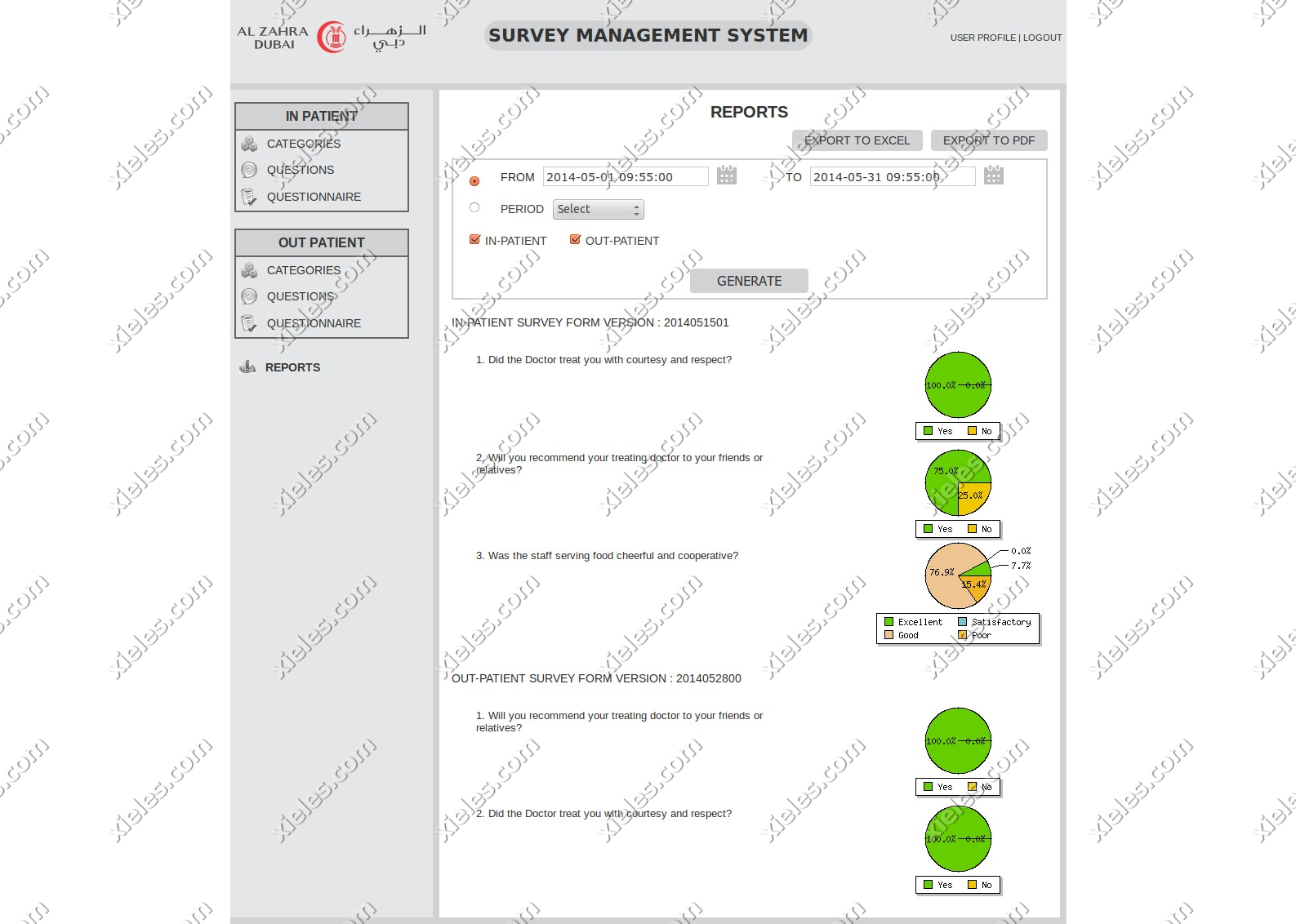
Patient Satisfaction Survey for Al- Zahra, Dubai

This application is used to take surveys from patients for a set of predefined questions. The survey application works in both in-patient and out-patient questionnaire modes. The questions and answers of the survey will be synchronized with an online web server automatically using a service that runs in a particular time interval or can be done manually from the application.

Screenshots

2024-04-24T11:14:00+00:00Categories: ERP Solution, Mobile Application|Tags: , , , , , |

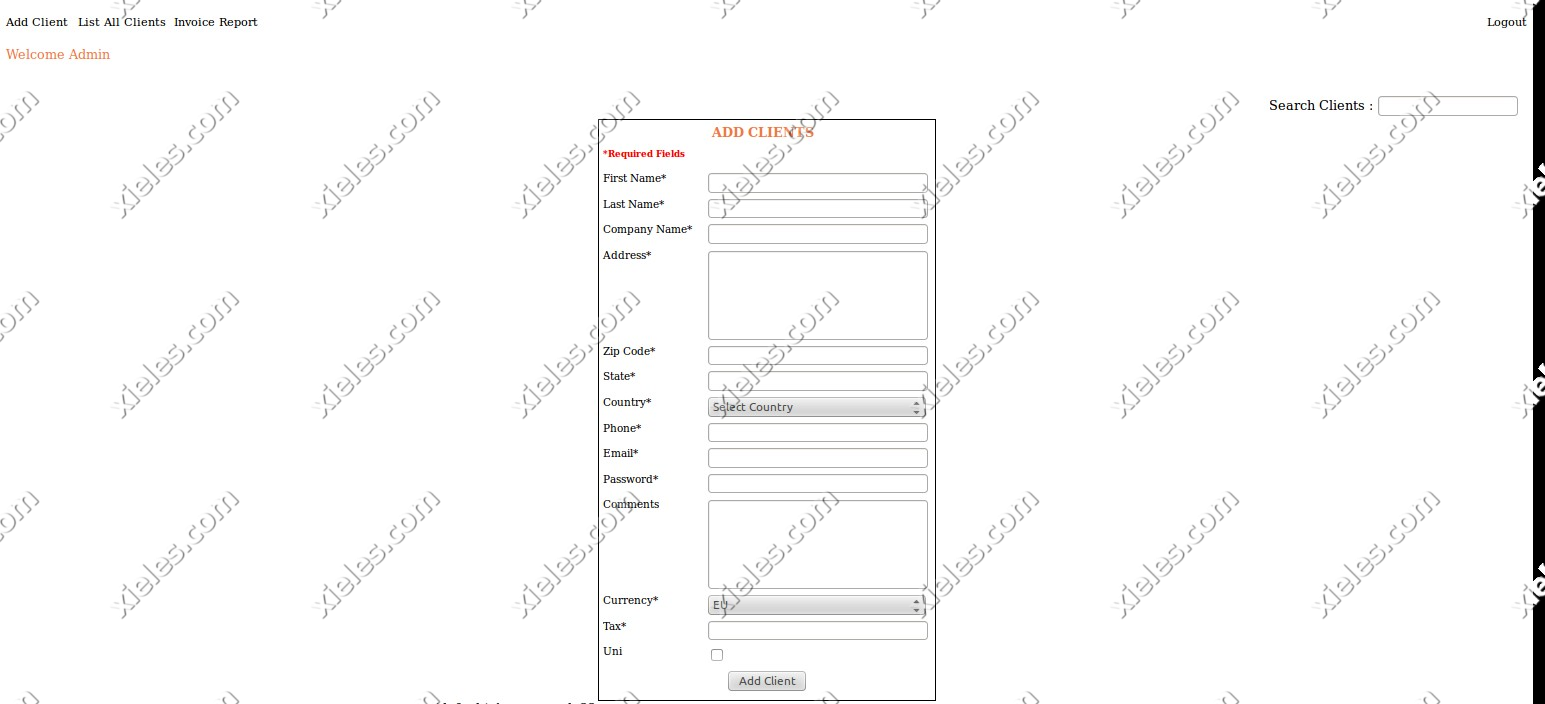
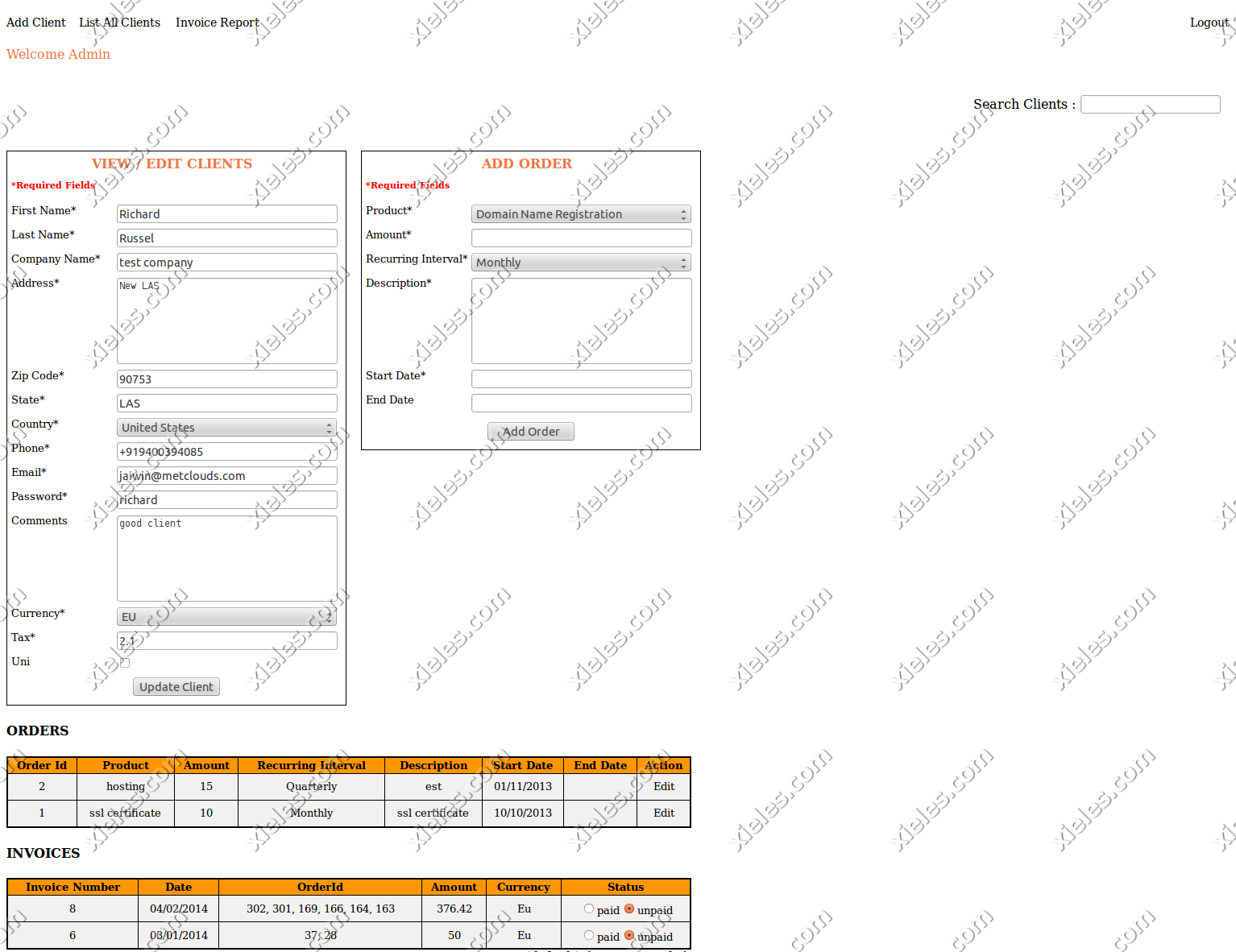
Billing System Panel for Netherlands based client

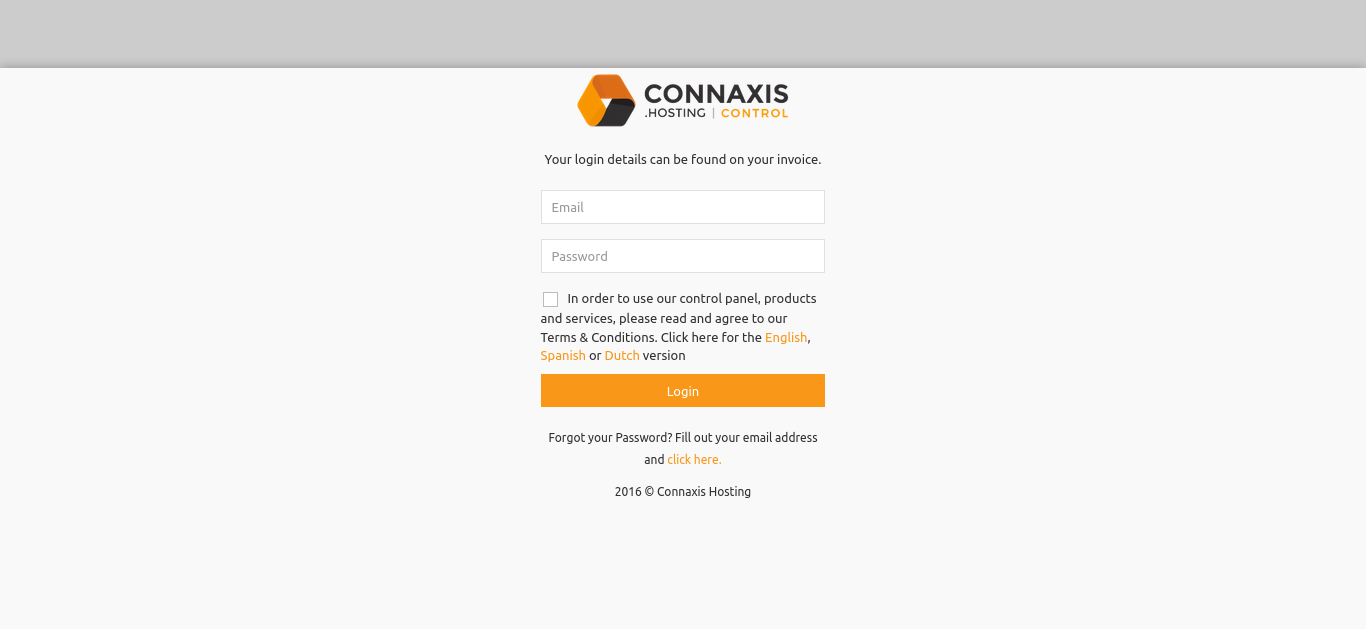
The objective of this project was to develop an automated online billing system. The billing system includes client area and admin area. The admin can add and manage clients and orders. The PHP shell scripts generate the invoices and mail them to the clients each month. The clients can login in their client area and can review their invoices. Clients can also pay their bills via client area through Paypal. It is created using the CakePHP Framework.

Screenshots

2024-04-24T11:14:39+00:00Categories: ERP Solution|Tags: , , , , |

Control Panel for Netherlands based client

This is a control panel for clients to order domains, manage their domains, invoices etc. We have used the sidn and openprovider for the domain ordering and used powerdns for the dns management. The payment gateway which we added are paypal,ideal and stripe.

Screenshots
2024-04-24T11:14:46+00:00Categories: ERP Solution|Tags: , , , , |

Managing Clients and their Orders – app.xieles.com

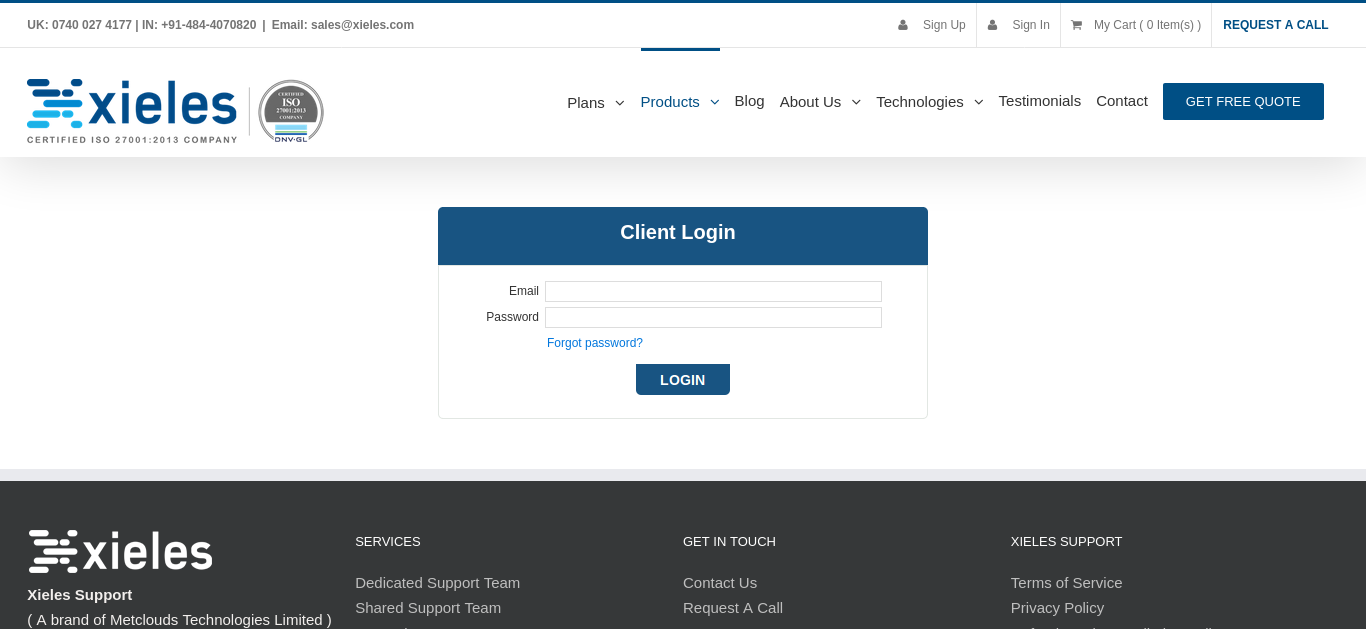
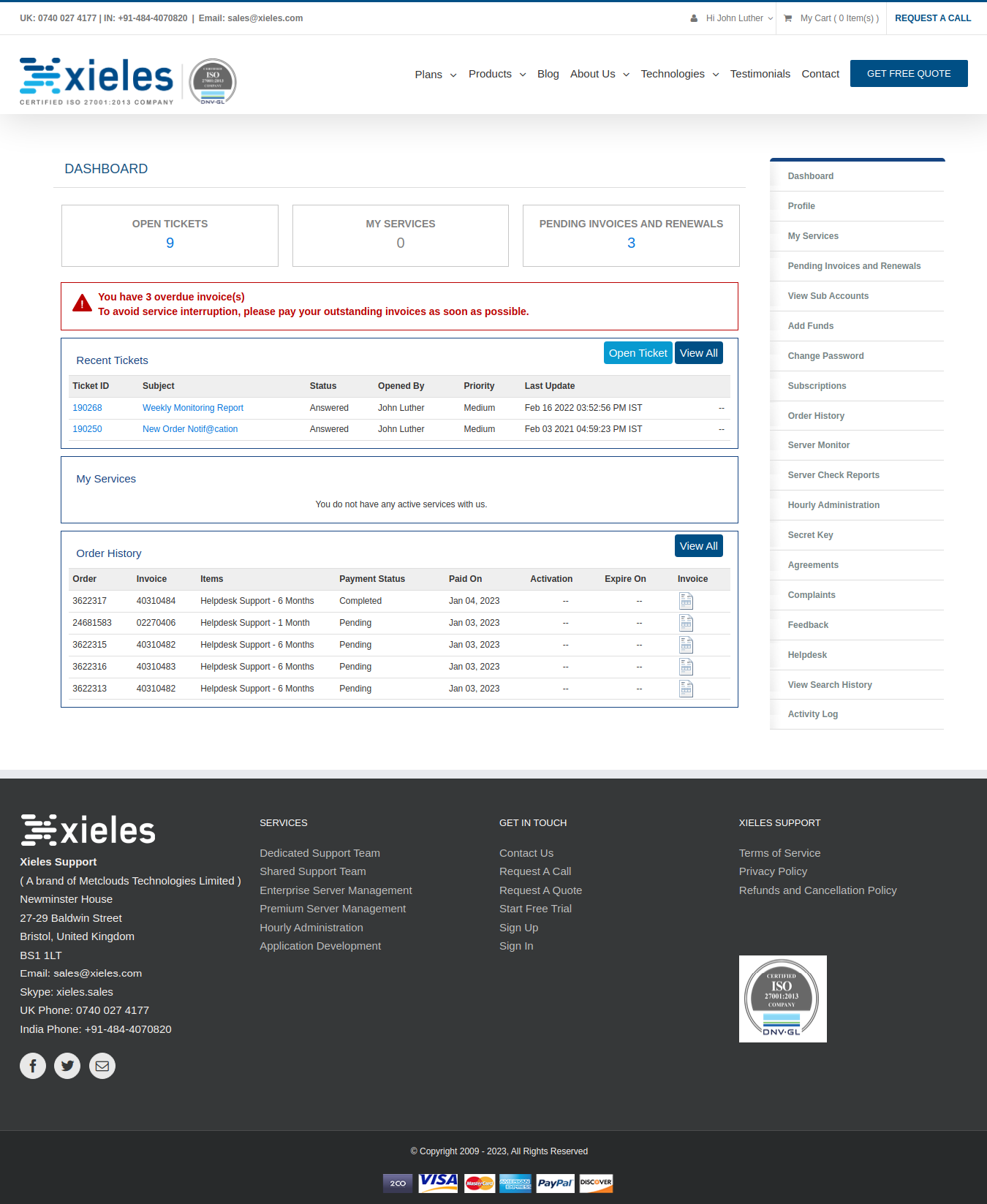
This is for managing clients and their orders. It includes, login, order creation, client creation/updation, invoice creation, service management etc. There are two logins for the portal, one is for the admin and other is for the clients. Admin can manage clients, orders, invoices etc and the client can login into their portal to see their services, orders etc. It is created using the CakePHP Framework.

Screenshots

2024-04-24T11:14:53+00:00Categories: ERP Solution|Tags: , , , , |

Myoffice – Human Resource and Office Management Solution

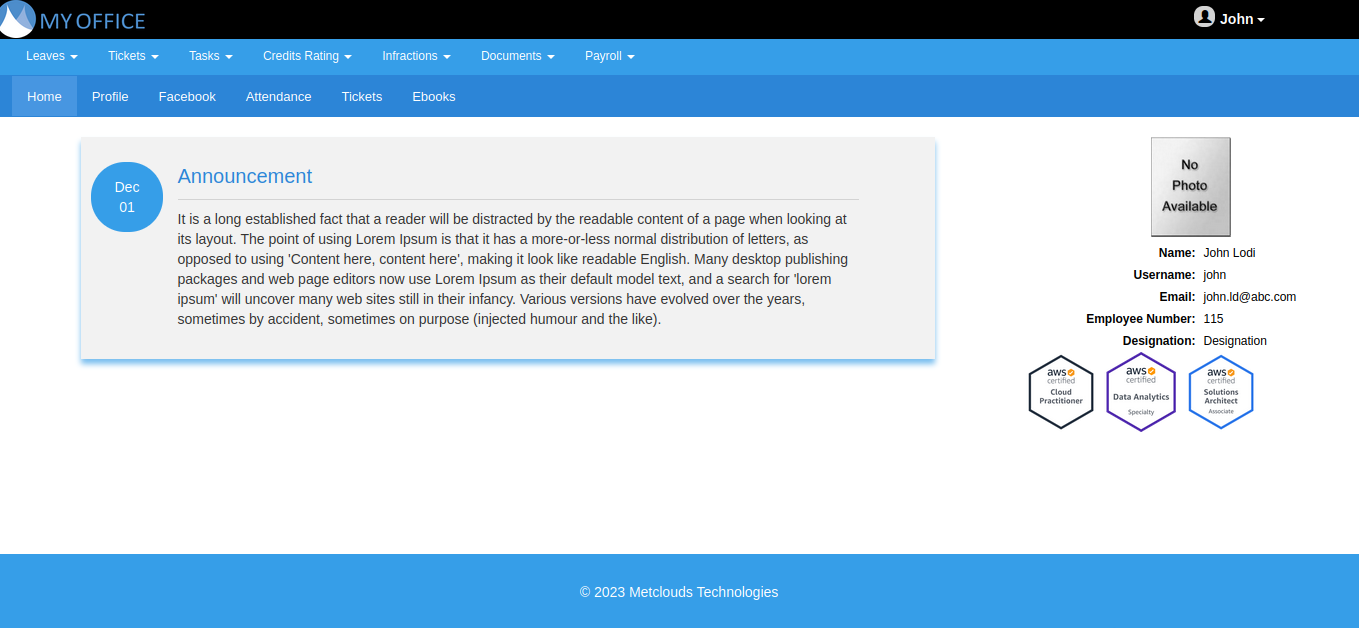
This solution is for organization to manage their human resource and office operations. It has modules for employee management, attendance management, leave management, payroll management, employee grievance management, digital library and news & announcements.

Technologies Used:

  • CakePHP/PHP
  • HTML/CSS/JS
  • GitLab CI/CD
Screenshots

2024-04-24T11:06:32+00:00Categories: ERP Solution|Tags: , , , , , |
Go to Top